

Water Droplet Effect
Create a water droplet effect with a transparent overlay and blur in the print layout editor.
This video is hosted on Descript. Watch the video (1 min).
About this video#
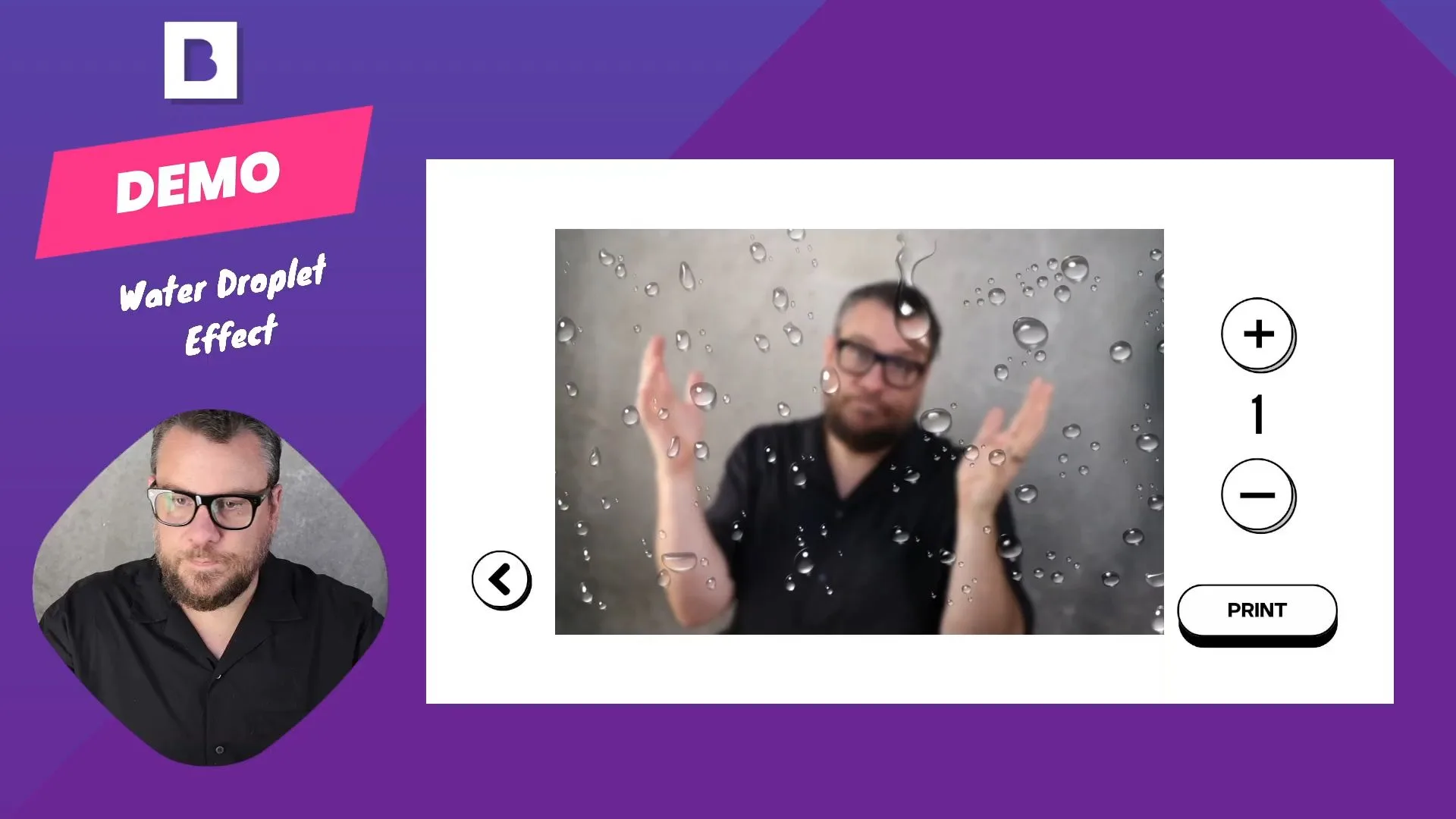
This video shows how to create a water droplet effect using the print layout editor in Breeze Booth for Windows and iPad. It begins by importing a water droplet overlay with a transparent background. To add realism, a blur effect is applied to the overlay, setting the blur radius to around 15-20. The focus remains on the water droplets, while the background image is slightly out of focus, mimicking the look of water droplets on glass.
Was this page helpful?
Thanks, that helps us improve the guides.