

Simple Survey Example
On this page
Simple Survey using HTML.#
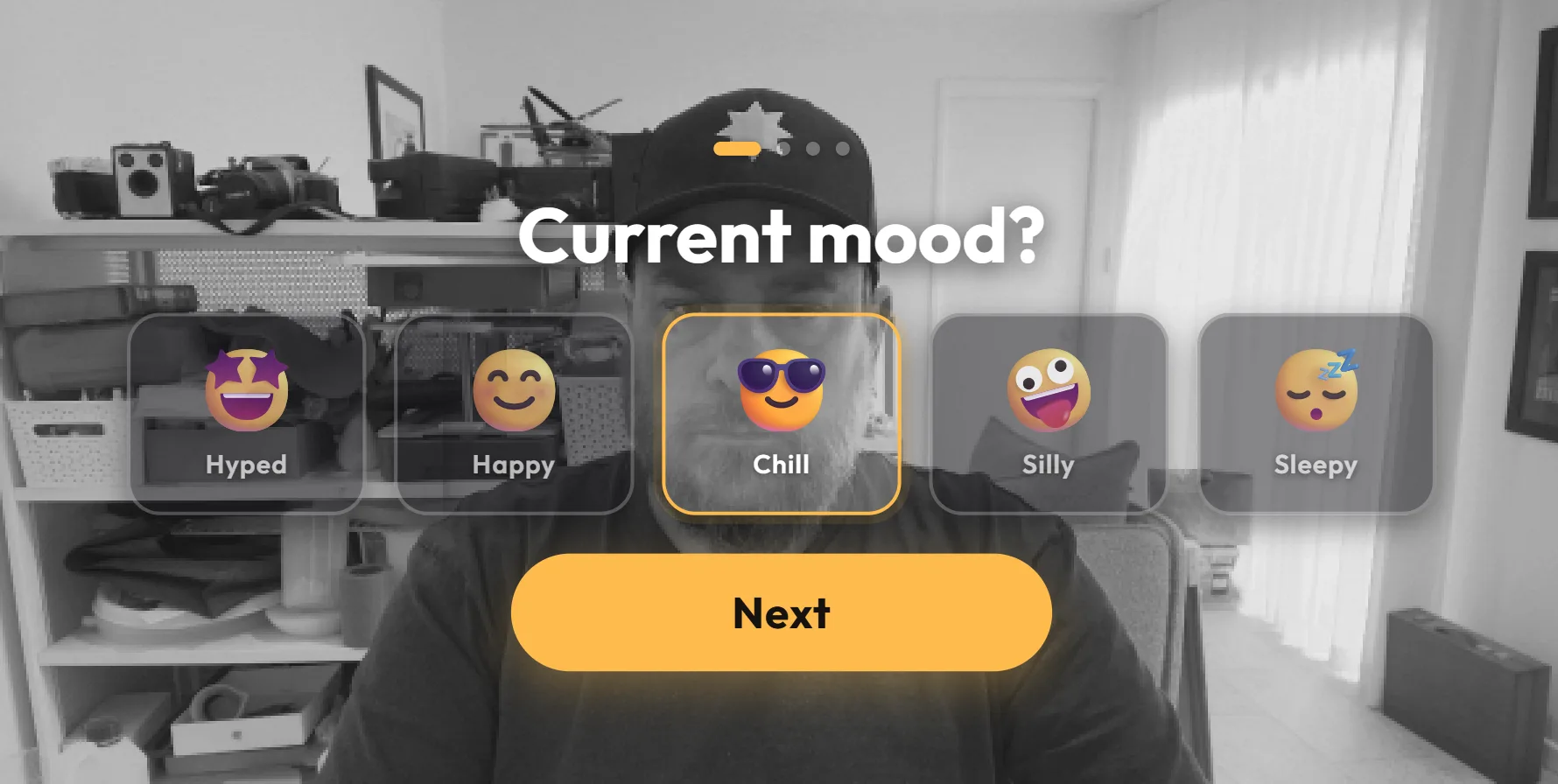
This example demonstrates the use of radio buttons, text input field, dropdown lists and checkboxes. It is displayed on a transparent background.
Download the Demo HTML and set the Token ID to: survey
- Learn how to Embed the HTML
- Learn how to use AI to make your own
Tokens#
In this example, you can use the following tokens on your print layouts, file suffixes, emails etc
{survey_name}— first name, e.g. Sam{survey_mood}— Hyped / Happy / Chill / Silly / Sleepy{survey_mood_emoji}—{survey_color}— Red / Orange / Green / Blue / Purple{survey_color_hex}— e.g. #FF4D4D{survey_city}— e.g. London{survey_optin}— Yes / No
Was this page helpful?
Thanks, that helps us improve the guides.