

Double Exposure
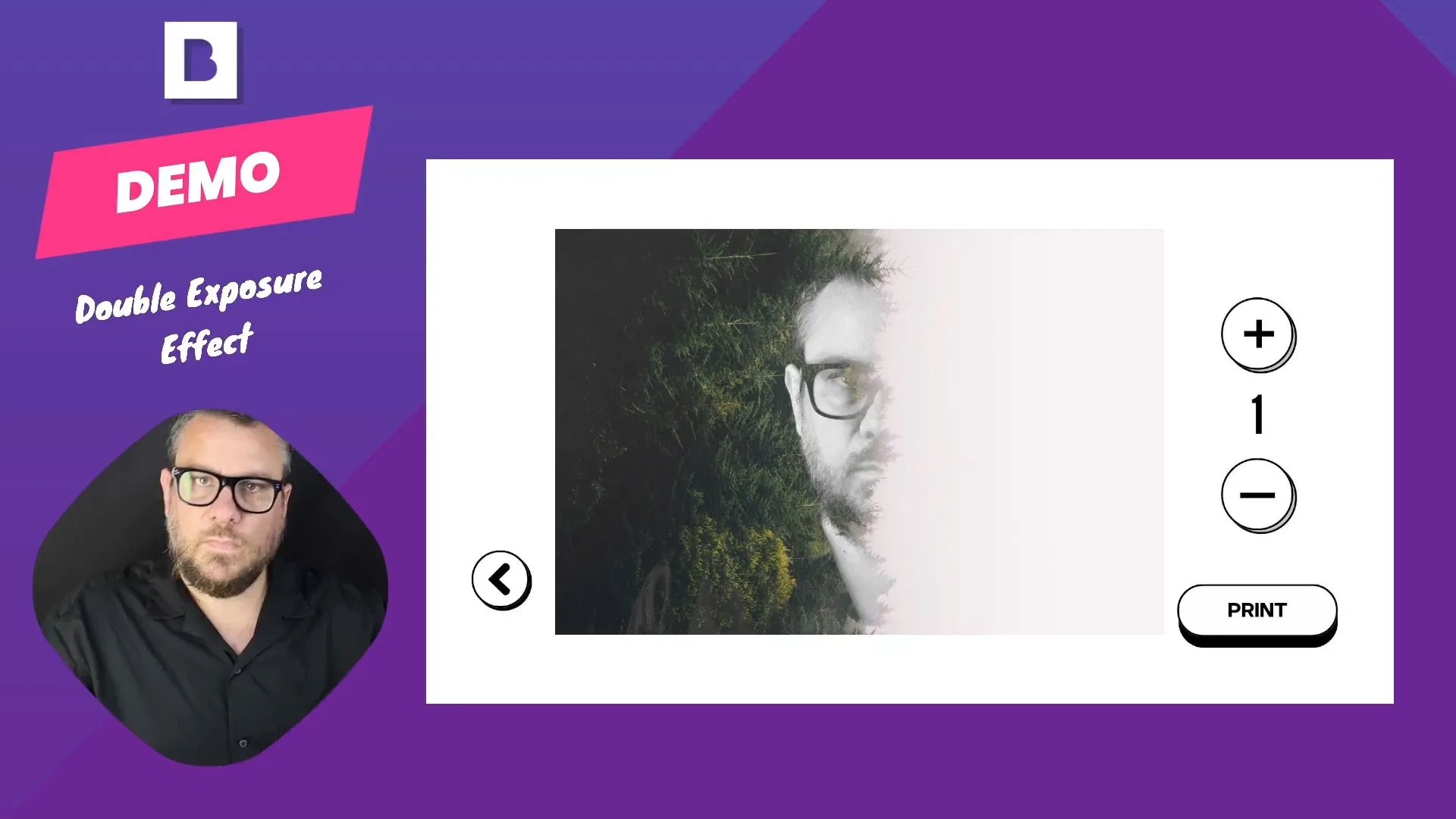
Create a double exposure effect in the print layout editor with a black and white photo and the lighten blend mode.
This video is hosted on Descript. Watch the video (3 min).
About this video#
This video shows how to create a double exposure effect using the Breeze Booth for Windows application. The process involves adding crosshairs for alignment, using a background image with contrasting dark and light areas, and adjusting photo settings to black and white with a lighten blend mode. The tutorial emphasizes positioning and alignment for optimal results and notes that while this method is quick for live events, more refined results can be achieved using Photoshop. Factors such as background tone and skin tone are also discussed.
Was this page helpful?
Thanks, that helps us improve the guides.