

Adding Time to Print Layouts
Add the current time to a print layout using hour, minute and AM/PM tokens in a caption.
This video is hosted on Descript. Watch the video (3 min).
About this video#
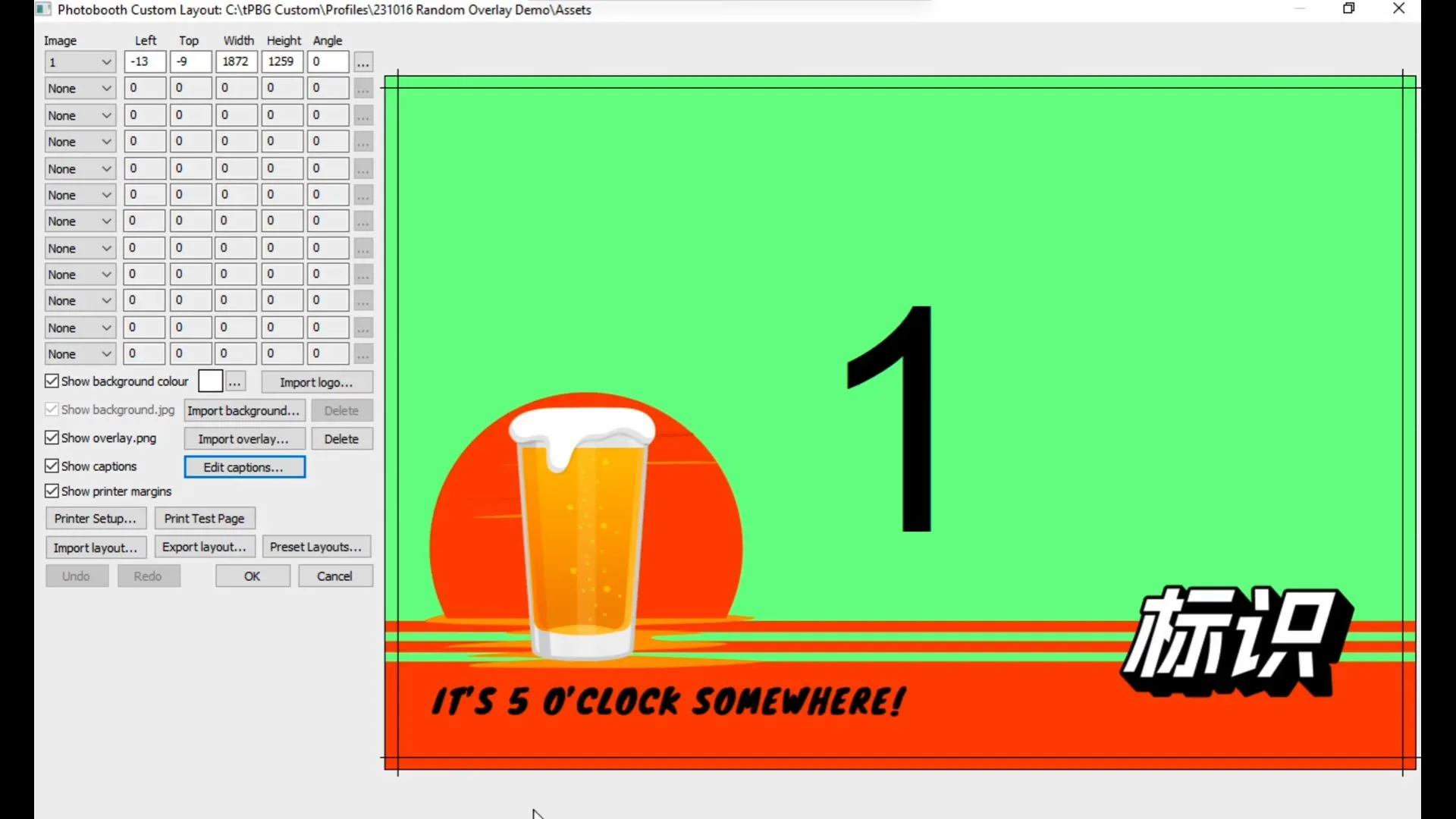
This video shows how to add the current time to a print layout using Breeze software. It explains how to use tokens from the Breeze user guide for hours, minutes, and AM/PM format to create a dynamic print output. The process includes editing captions, adjusting font size and style, and enhancing the layout with witty text for a more engaging design. The final layout features the dynamically updated time, making it a fun and personalized takeaway.
Was this page helpful?
Thanks, that helps us improve the guides.