

Lockdown Mode
Lockdown Mode#
Lockdown mode protects the photo booth settings with a password to prevent untrained attendants from changing them. Enable it via View -> Lockdown mode...
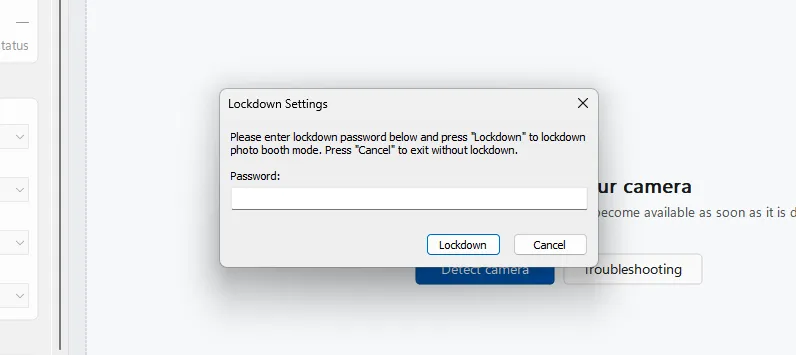
To reset a forgotten password, exit Remote Pro and delete the following Windows registry value:
HKEY_CURRENT_USER\Software\BreezeSystems\DSLRRemotePro\100\PhotoboothLockdown
Was this page helpful?
Thanks, that helps us improve the guides.