

Breeze FX Face Swap for Remote Pro
Set up a Breeze FX face swap and use it to post-process photos in Remote Pro.
This video is hosted on Descript. Watch the video (4 min).
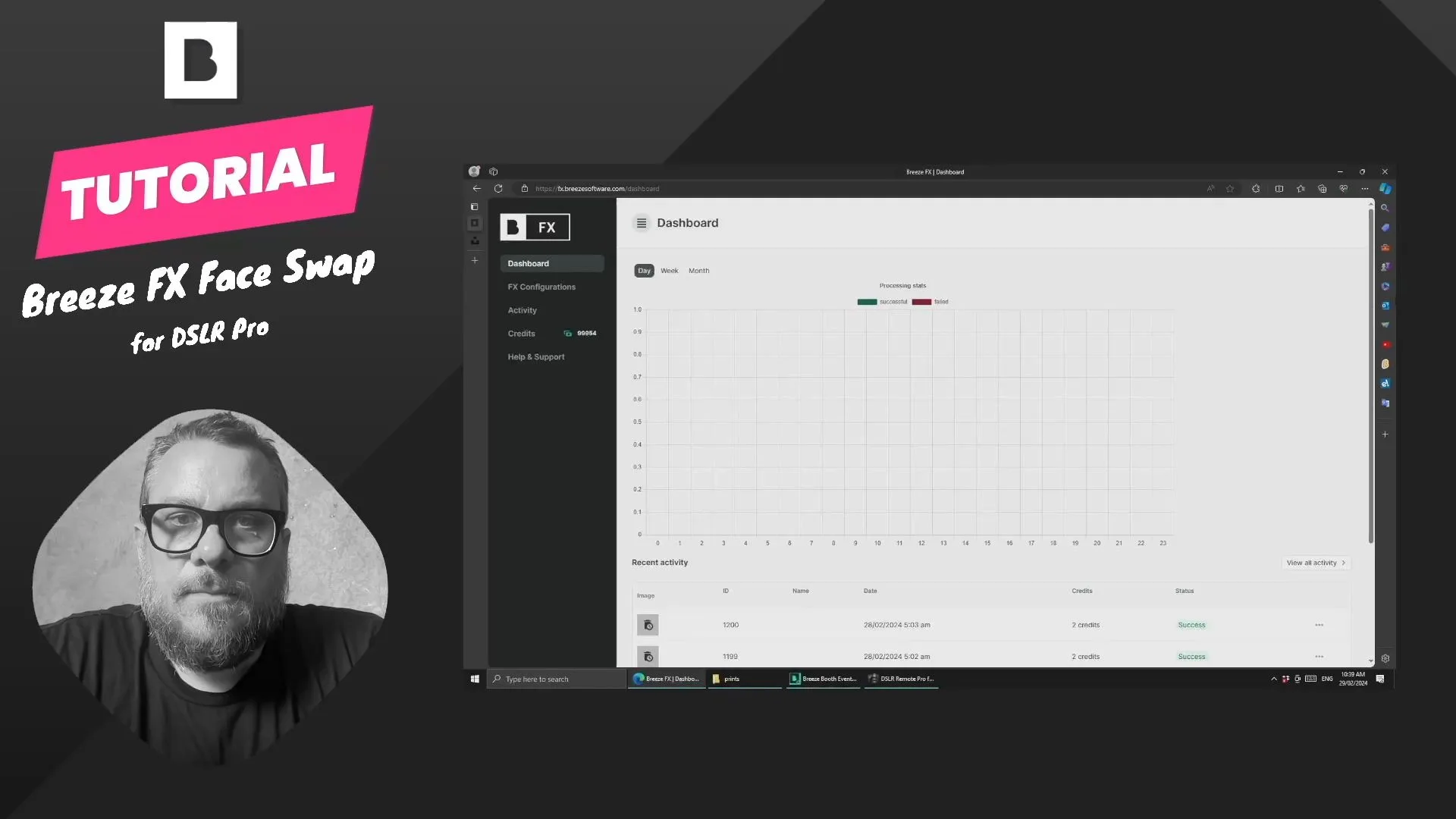
About this video#
This video shows how to create a face swap using Breeze FX and Remote Pro. The process includes logging into Breeze FX, creating a new FX configuration, and setting it to 'Face Swap' mode. Users upload a target image for the face swap and create a token automatically. The tutorial then shows how to integrate the Breeze FX URL into Remote Pro for post-processing photos. It includes a demonstration of taking a photo, and the tutorial emphasizes handling complexities like wearing glasses. The video concludes by mentioning upcoming tutorials that will delve deeper into image correlation and print layout customizations.
Was this page helpful?
Thanks, that helps us improve the guides.