

Better Keyboards
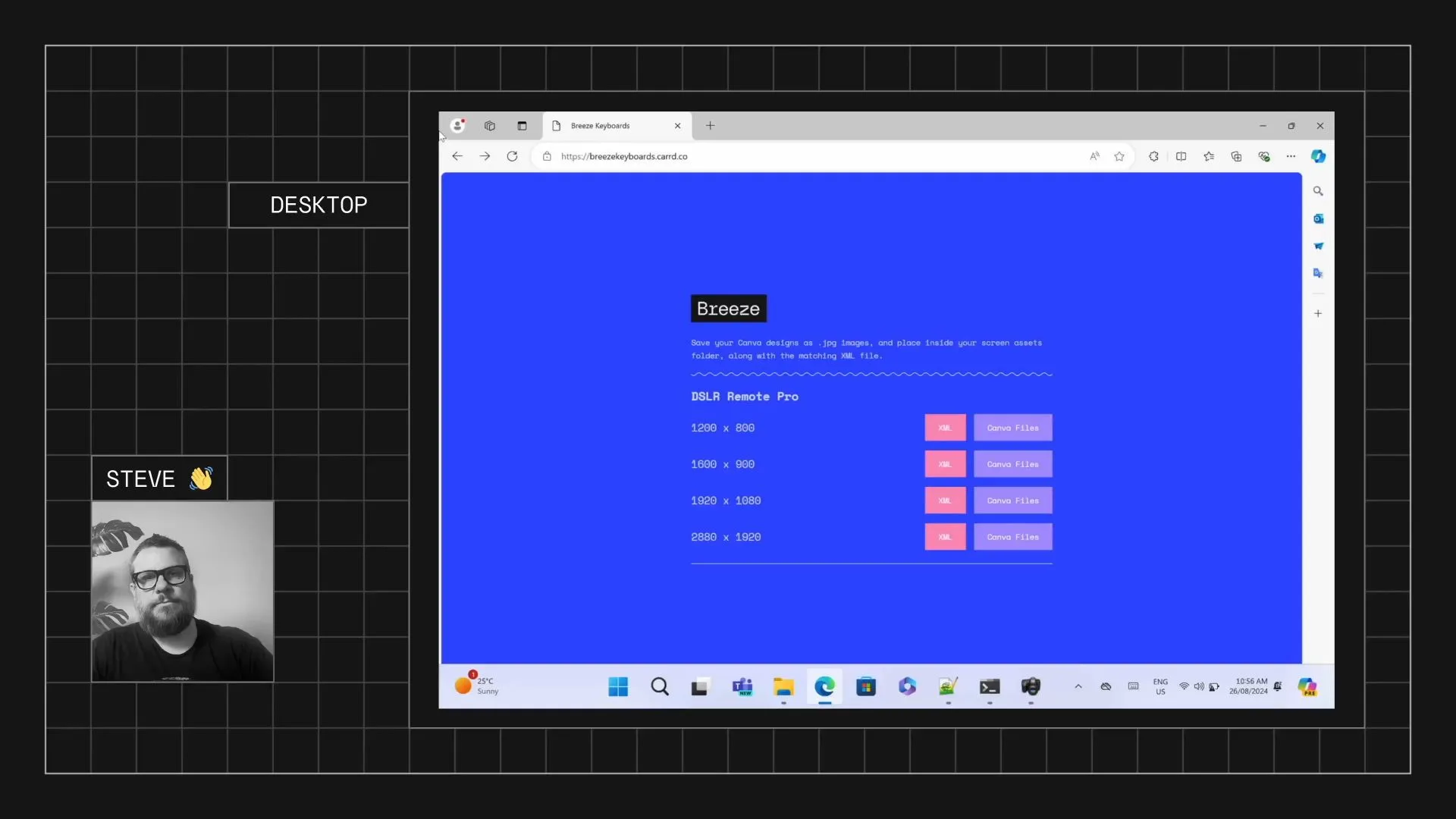
Design custom touchscreen keyboards for Remote Pro in Canva, using the ready-made templates from breezekeyboards.carrd.co.
This video is hosted on Descript. Watch the video (12 min).
About this video#
This video shows how to create and implement custom keyboard designs for Remote Pro using Canva. It starts with the https://breezekeyboards.carrd.co/ website, where you can find necessary XML and Canva design files. The video demonstrates how to modify these templates for specific screen resolutions. It explains downloading, customizing, and exporting designs in Canva, as well as integrating these with Remote Pro, replacing the standard keyboard designs with more visually appealing ones. The video also touches on the importance of not altering button positions unless XML adjustments are made and showcases tweaks like changing fonts and colors to match personal preferences.
Was this page helpful?
Thanks, that helps us improve the guides.