

Random Print Layouts
Apply a random overlay to each session using numbered overlay files and a random number token.
This video is hosted on Descript. Watch the video (2 min).
About this video#
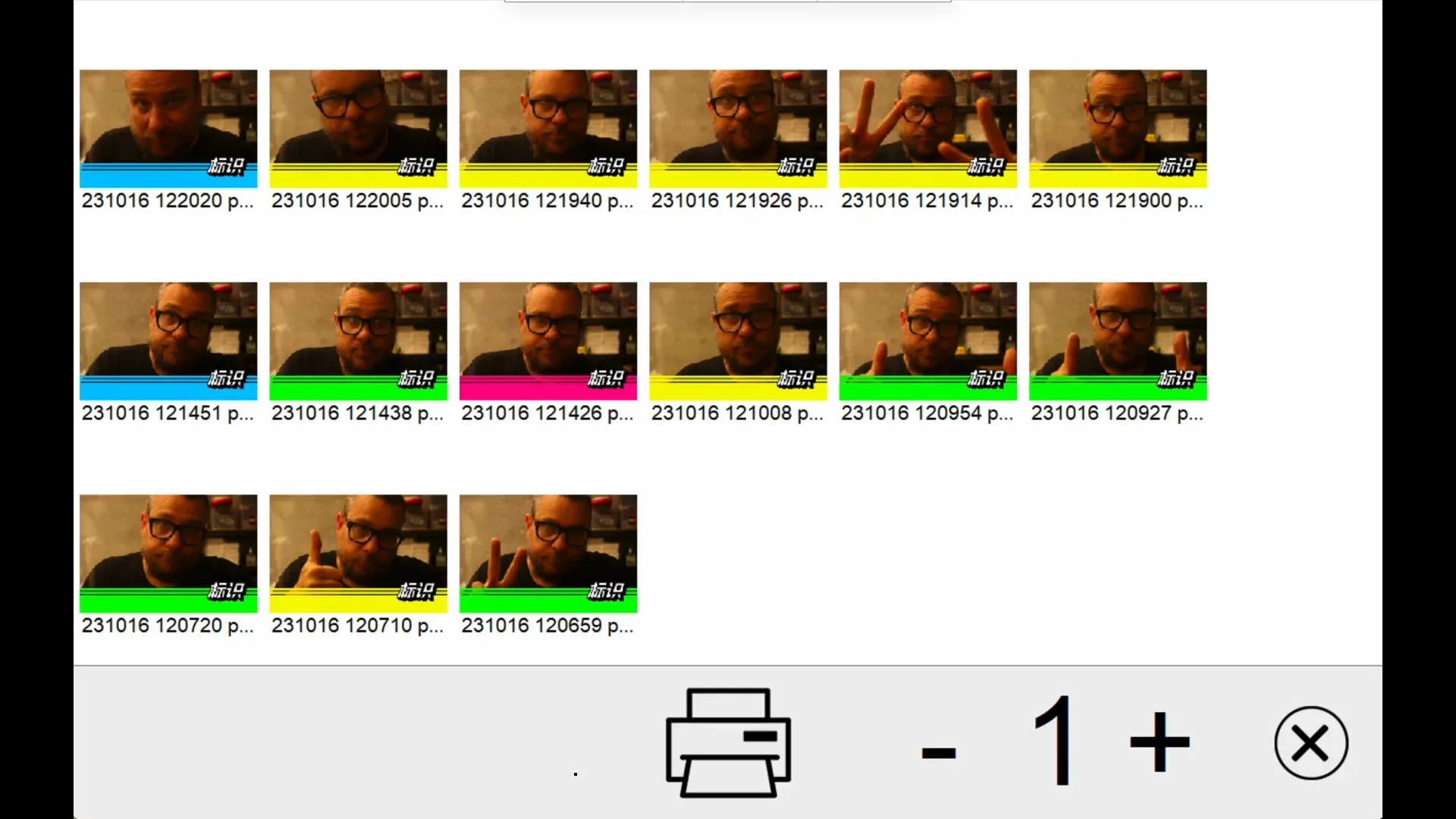
This video explains how to apply random overlays to print files in Breeze software. The goal is to have different colored overlays - blue, green, yellow, or pink - randomly applied to each session. This involves having four separate overlay files named systematically and utilizing a token in Breeze's advanced settings to randomly select a number corresponding to one of these overlays. This method ensures dynamic, randomized print outputs, which can be beneficial for brands with multiple color themes. The same approach can be used for gif overlays, video overlays, green screen images, and AI backgrounds.
Was this page helpful?
Thanks, that helps us improve the guides.