

Breeze FX Print Layout for Remote Pro
Combine Breeze FX output with original photos in the Remote Pro print layout editor, such as a before-and-after face swap print.
This video is hosted on Descript. Watch the video (12 min).
About this video#
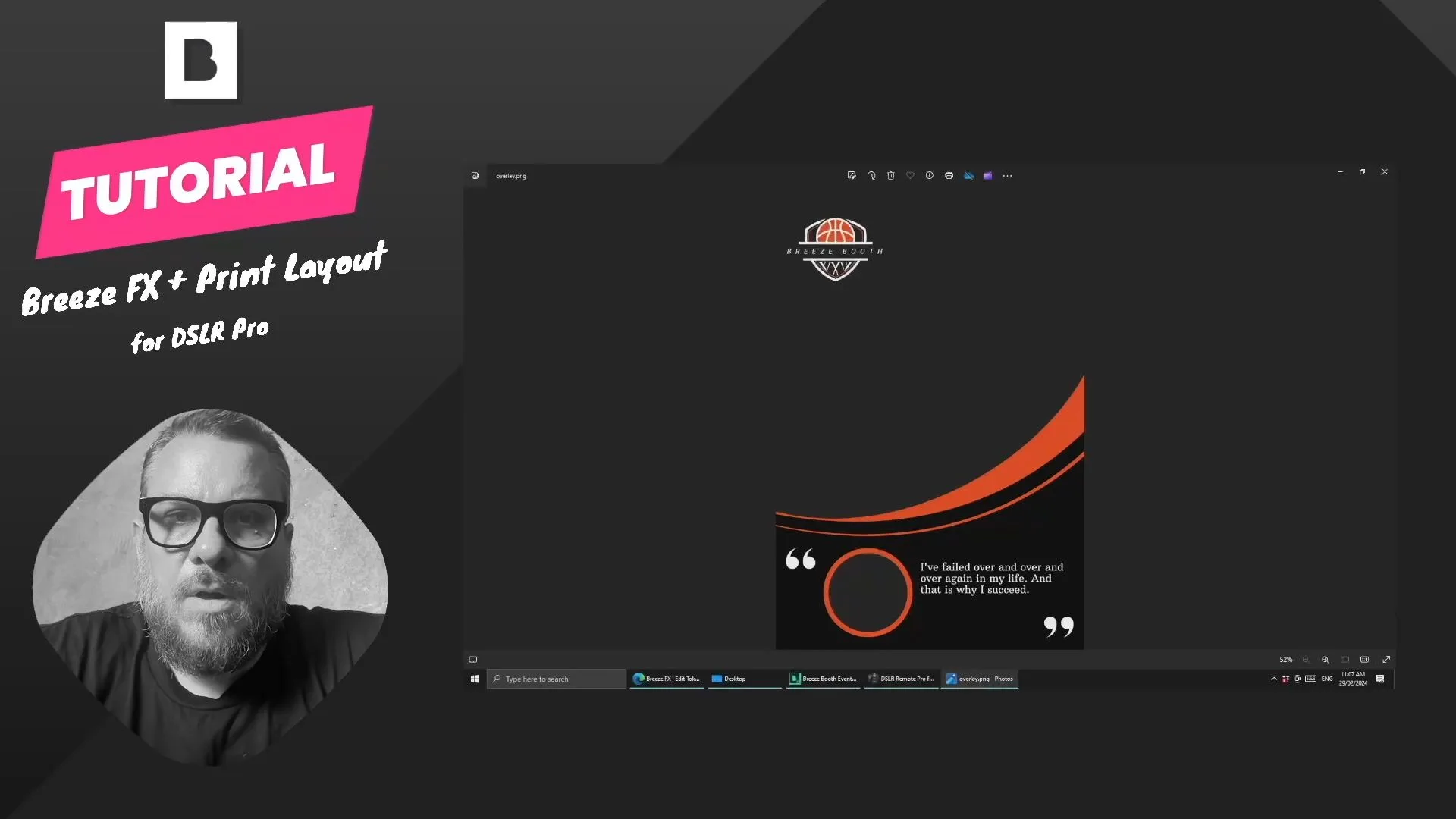
This video shows how to use Breeze FX in conjunction with the print layout editor in Remote Pro to create advanced face swap effects. It begins with an explanation of how image resolution and size impact the final output in Breeze. The process starts with adding and resizing images on the canvas to achieve a 'before and after' effect by using both processed and original photos. The tutorial then explores adding a black-and-white version of the original image, applying an overlay for a customized player card effect, and making fine adjustments for better visual harmony. Additional features like color wash, opacity adjustments, and cropping are explored to refine the setup. The video concludes by experimenting with text overlays for a professional, editorial look.
Was this page helpful?
Thanks, that helps us improve the guides.