Stripe Terminal
Tap-to-pay card readers for Breeze Booth and Remote Pro. Brandable screens make it clear where guests pay.
Black Friday: DSLR Remote Pro $299, Breeze Booth $399 a year, 20% off more
See the deals
Products
 Breeze BoothiPad, iPhone & Mac
Remote ProWindows & DSLR
Breeze CloudGalleries & sharing
Breeze FXAI transformations
PaymentsTake payments
HotfolderPrint automation
Compare
Compare Breeze productsWhich Breeze app is right for you Partners & integrationsCameras, payments and booths that work with BreezeBuild
API referenceBuild on Breeze Cloud, FX and licensing Breeze LabsFree design tools for filters/LUTs and booth UI MarketplaceKits, widgets and templates to download Downloads & supportInstallers, older versions, manuals and help TemplatesPrint templates, overlays and AR propsCommunity
Hire an expertCertified Breeze builders for your events Upcoming eventsBreezeCon, trade shows and meetups Facebook groupAsk the community and share ideasPay-per-use booths that run themselves.
Take card, phone, coin and cash payments at the booth with Stripe Terminal, Nayax and MDB hardware. Charge per print, per session or per share, with Remote Pro and Breeze Booth.
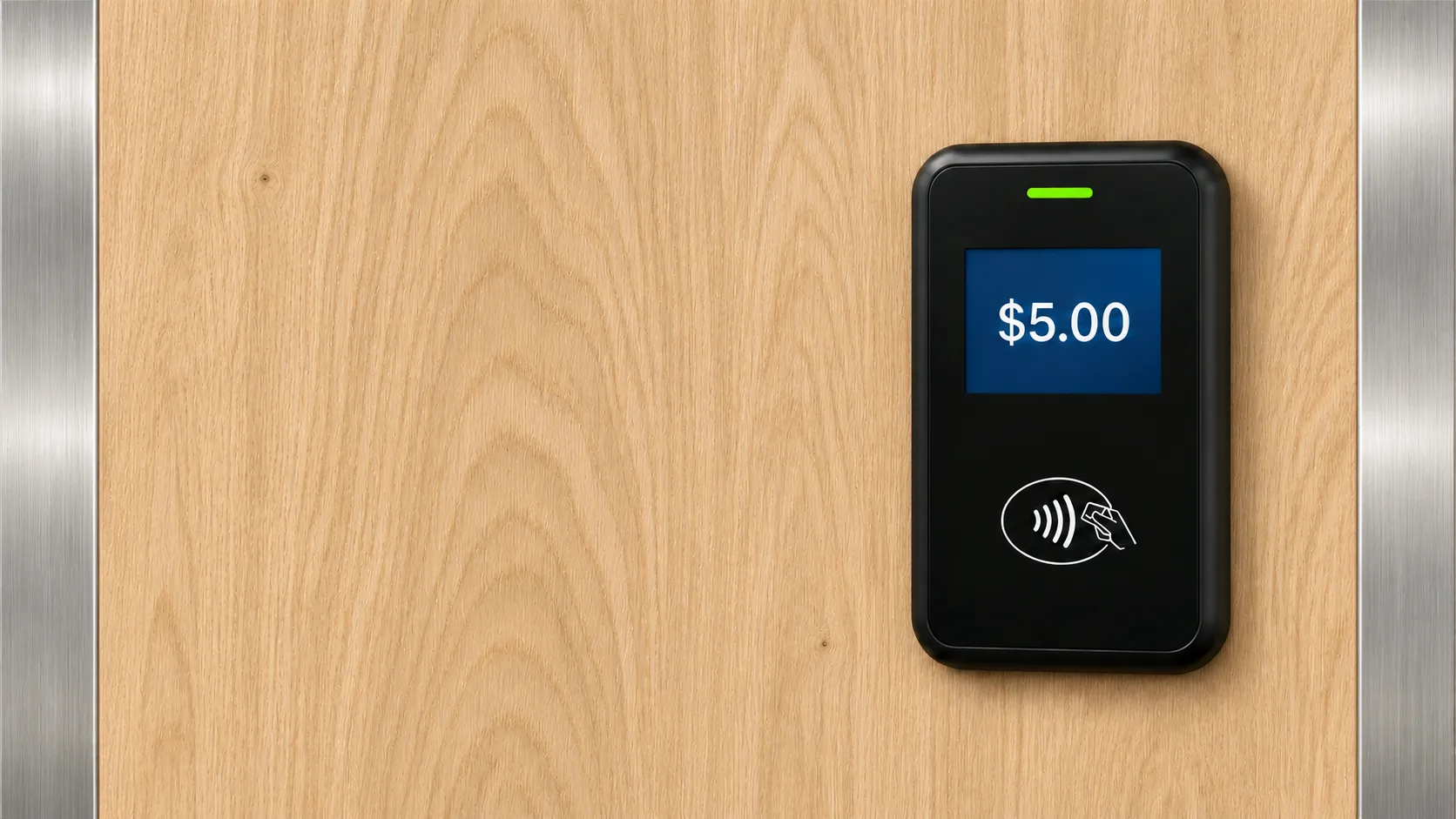
Tap-to-pay card readers for Breeze Booth and Remote Pro. Brandable screens make it clear where guests pay.
Vending-grade card readers, coin and cash acceptors for unattended kiosks.
Read the guideGuests pay on their phone and scan a single-use QR code to start their session.
Read the guideAsk for payment first, or let guests choose and then pay.
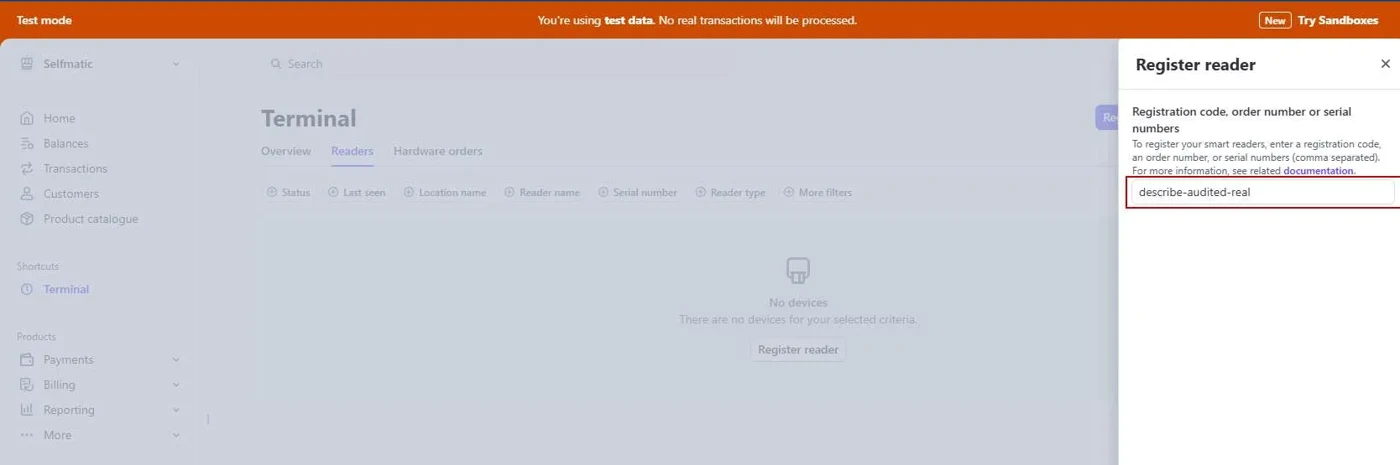

Connect a reader in Breeze Cloud and set your prices per session or per print.
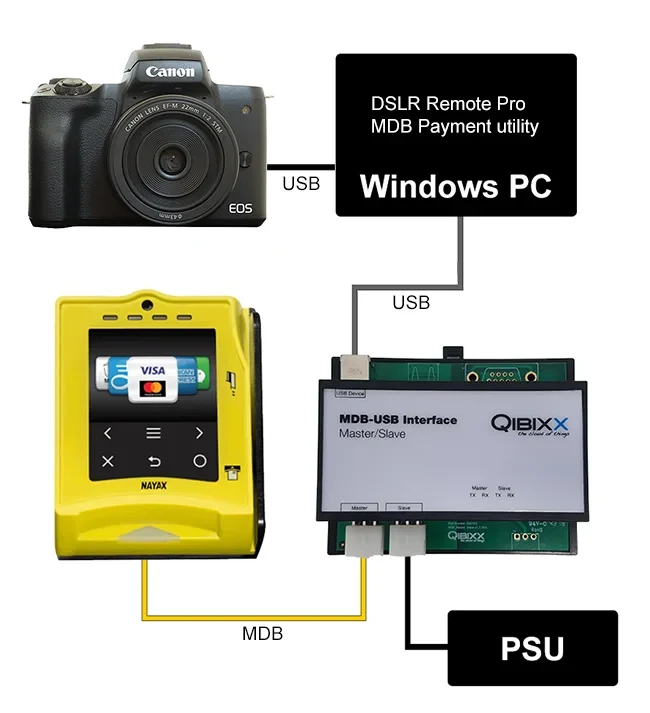
Read the Stripe Terminal guideHow the camera, PC, reader and MDB interface connect together.
Read the MDB wiring guideCard, phone and QR payments from a vending-grade reader.
Read the Nayax readers guideFor unattended kiosks and paid activations.
Payment provider fees apply as well.
1 creditper payment (~$0.05 USD)
1 creditper code (~$0.05 USD)
$0USD per payment (no Breeze fees)
46 guides and 6 video tutorials in the Breeze Payments user guide, always up to date with the latest version.
 Nayax MDB Utility Overview
 Nayax Pay to Start
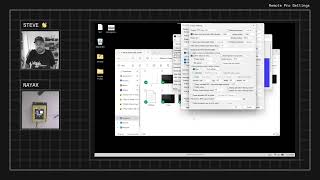 Nayax Pay to Start with Photo Upsell
 Nayax Free to Use with Pay on Print
 Nayax Multi Choice Products
 Nayax Data Capture without a Touch Screen
Pick the hardware that suits your booth and follow the setup guide.