

Breeze Payments user guide
Card and cashless payments for photo booths
Video tutorials
All 6 tutorials 10:03
MDB Utility Overview
An introduction to the Breeze MDB Utility: connecting a Nayax terminal and Qibixx MDB interface to Remote Pro or Kiosk, its settings, and how payment triggers work.
 9:51
Pay to Start
Build a simple cashless pay-to-start photo booth with Breeze Remote Pro, the MDB Utility and a Nayax terminal.
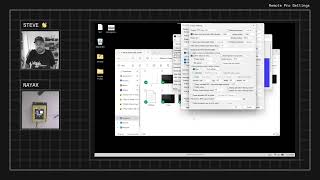 7:25
Pay to Start with Photo Upsell
A pay-to-start photo booth with an optional paid extra print on the sharing screen, using Breeze Remote Pro, the MDB Utility and Nayax.
 6:32
Free to Use with Pay on Print
A free-to-use photo booth where guests email photos for free or tap to pay to print, using Breeze Remote Pro, the MDB Utility and Nayax.
Browse the guide
An overview of the ways Breeze can take payments at your photo booth, and how to choose the right one.
Stripe
- Terminal
- QR Unlock
- QR Tickets
Take card, phone and watch payments with a Nayax terminal, connected to Breeze over MDB or Pulse.
20 more topicsBreeze works with any Pulse or MDB compatible payment device, including other cashless terminals and coin acceptors.
Advanced & reference
MDB Reference
Legacy tutorial (older versions): run a coin-operated booth in Remote Pro with a coin acceptor, a StealthSwitch 3 and an AutoHotkey script.
API docs
Breeze API reference for developers
/api