

Auto Connect the Camera
Auto Reconnect#
When Auto reconnect is selected from the Camera menu, Remote Pro for Windows attempts to reconnect to the camera every 5 seconds if the connection is lost. A screen displaying "Not connected" clearly indicates that the connection has been lost.
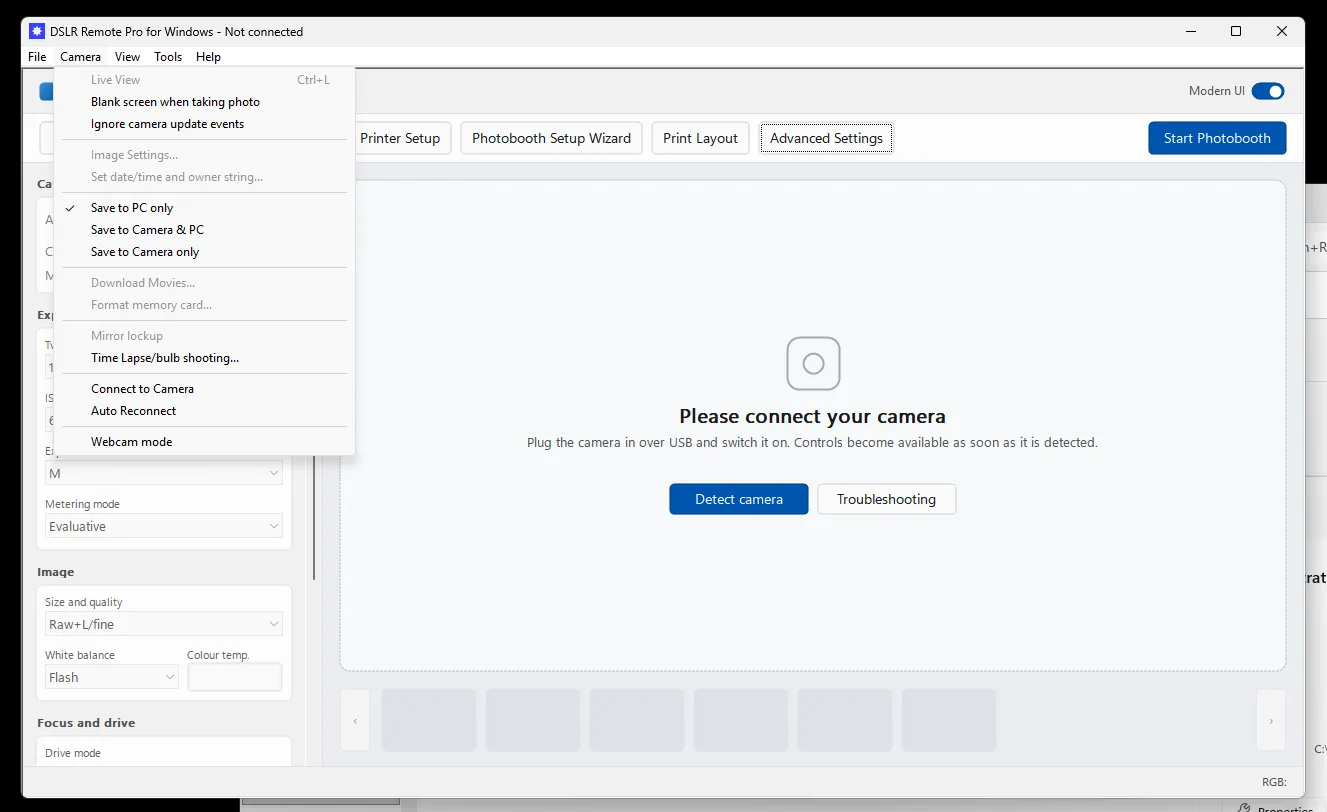
The connection is lost if:
- The USB cable is removed
- The memory card door is opened
- The camera is switched off
- The battery becomes flat or is removed
Warning: Do not disconnect the camera from the computer while images are being downloaded. This may result in lost images and may confuse the USB drivers, requiring a PC reboot before reconnecting.
In full screen photo booth mode, auto reconnect automatically restarts photo booth mode, enables live view if required, and displays the ready screen when the camera reconnects.
Was this page helpful?
Thanks, that helps us improve the guides.