

AI Image Segmentation
Place a graphic between the background and the person in a photo using AI background removal and a three-layer print layout.
This video is hosted on Descript. Watch the video (5 min).
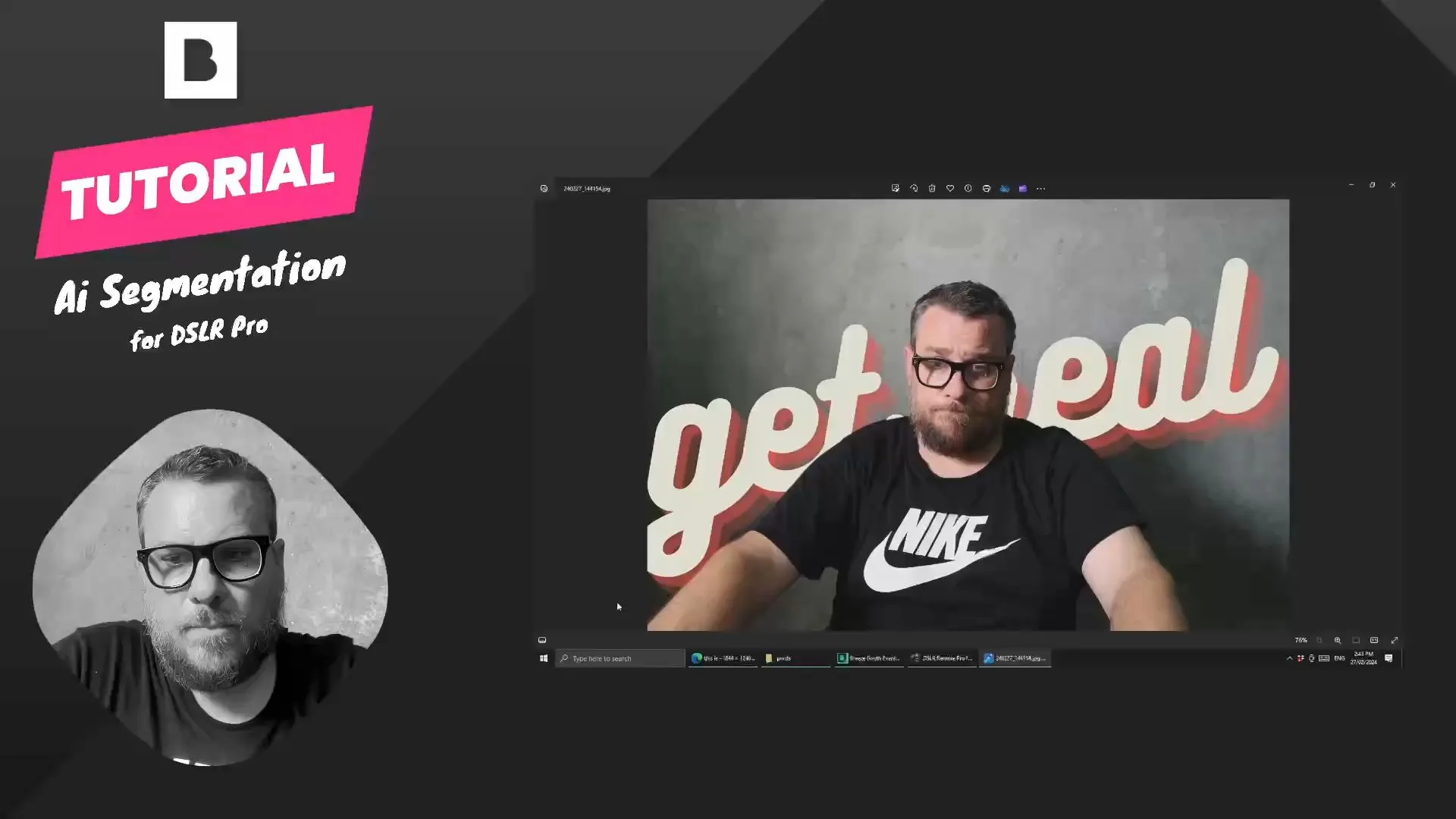
About this video#
This video explains how to create an AI segmentation effect using Remote Pro and the Remove BG tool. The process involves layering a graphical element between the original background and a person in the photo. Key steps include setting up the Remove BG path in the advanced settings, configuring the print layout with three layers (original background, graphical element, and AI-processed foreground), and adjusting specific options for optimal results. The method is demonstrated using a concrete background, a 'Get Real' graphical element, and a subject photo. The video also notes that similar effects can be achieved on the iPad app using built-in background removal tools.
Was this page helpful?
Thanks, that helps us improve the guides.