

Print Compositing
Build a composite print effect with duplicated photos, opacity, saturation, mirroring and blend modes.
This video is hosted on Descript. Watch the video (3 min).
About this video#
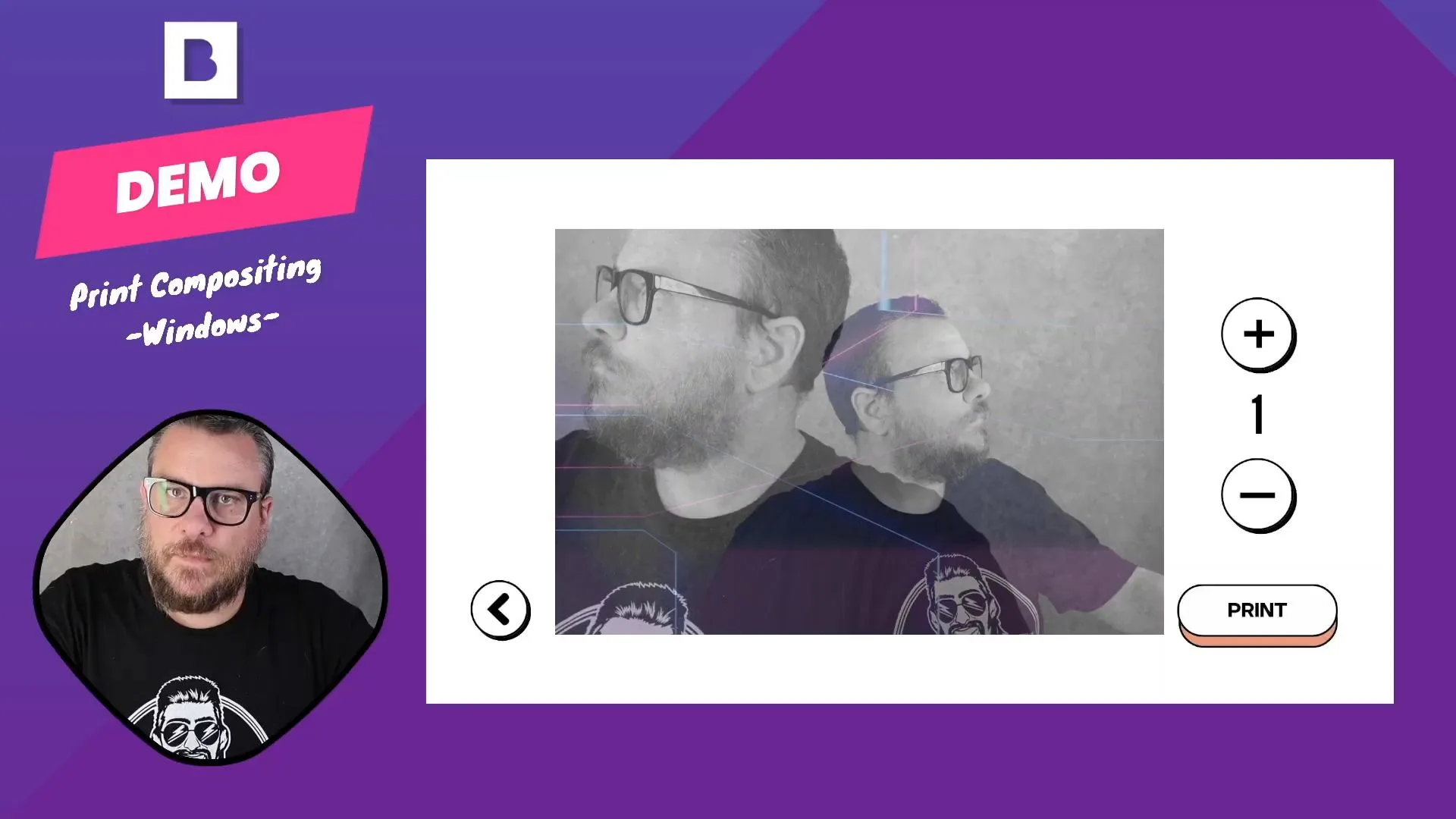
This video shows how to create a print layout effect using Remote Pro for Windows. Steve demonstrates using the print layout editor, blending modes, and other tricks to achieve the effect. Key steps include duplicating a photo, adjusting opacity and saturation, applying a mirror effect, and using blending modes. The tutorial also references the use of Photoshop to better understand blending modes.
Was this page helpful?
Thanks, that helps us improve the guides.