

Pose Guide with Info Screens
Build an interactive pose guide from info screens and touch screen actions.
This video is hosted on Descript. Watch the video (3 min).
About this video#
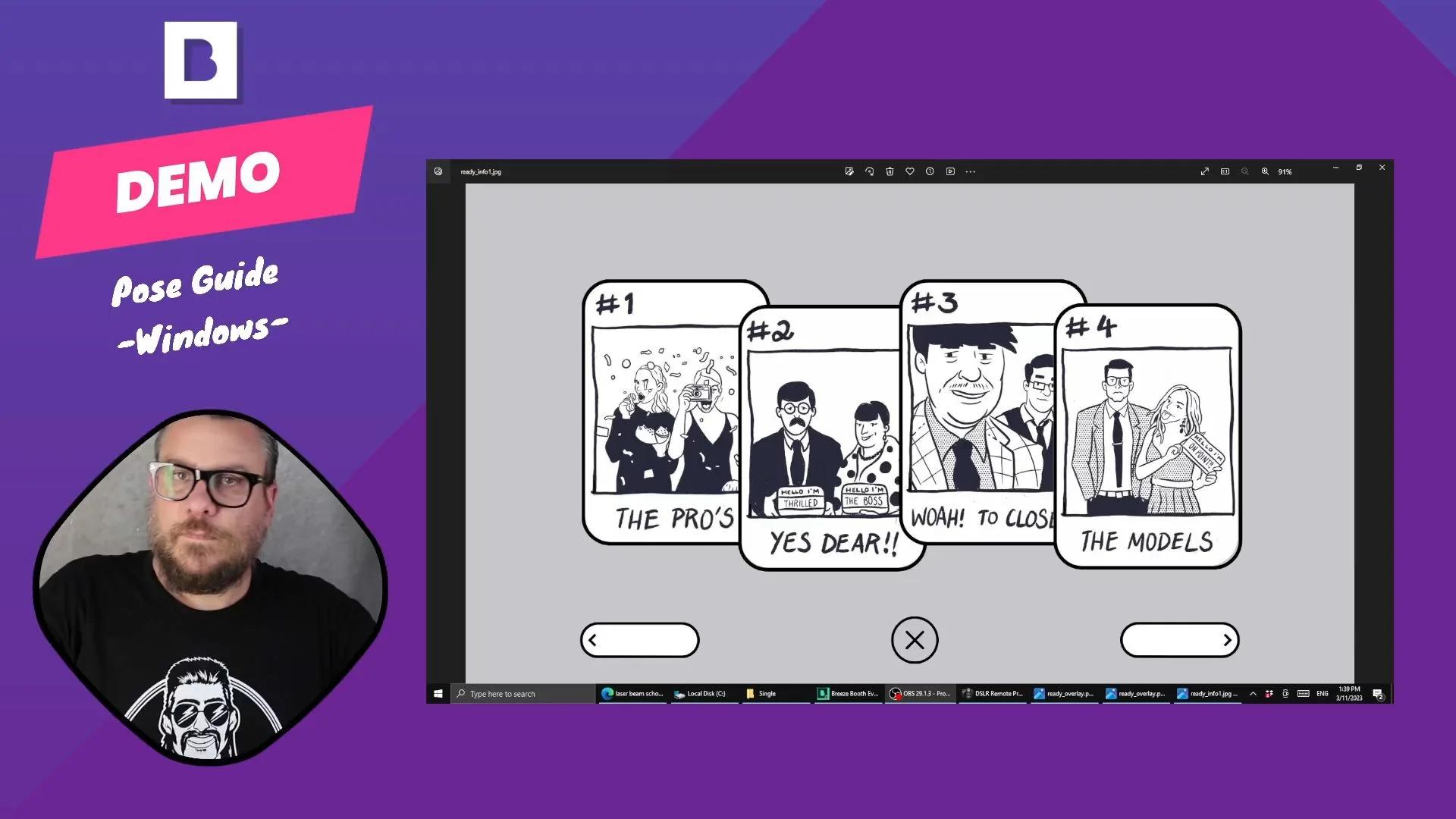
This video explains how to repurpose ready info screens to create an interactive pose guide for a photo booth instead of their usual use for terms and conditions. The process involves designing screen assets, setting up an overlay screen with a start button and a pose guide button, and creating a series of pages displaying various poses. Each page has forward, back, and close buttons, with actions assigned to each button to navigate through the pose guide. The guide is implemented in the Breeze software by adjusting touchscreen settings and adding touch actions. The final result is an engaging user experience that allows guests to cycle through pose ideas before starting a photo session.
Was this page helpful?
Thanks, that helps us improve the guides.