

Auto Open and Close Remote Pro
Open and close the booth automatically at set times with timed sessions, before and after screens and countdown tokens.
This video is hosted on Descript. Watch the video (4 min).
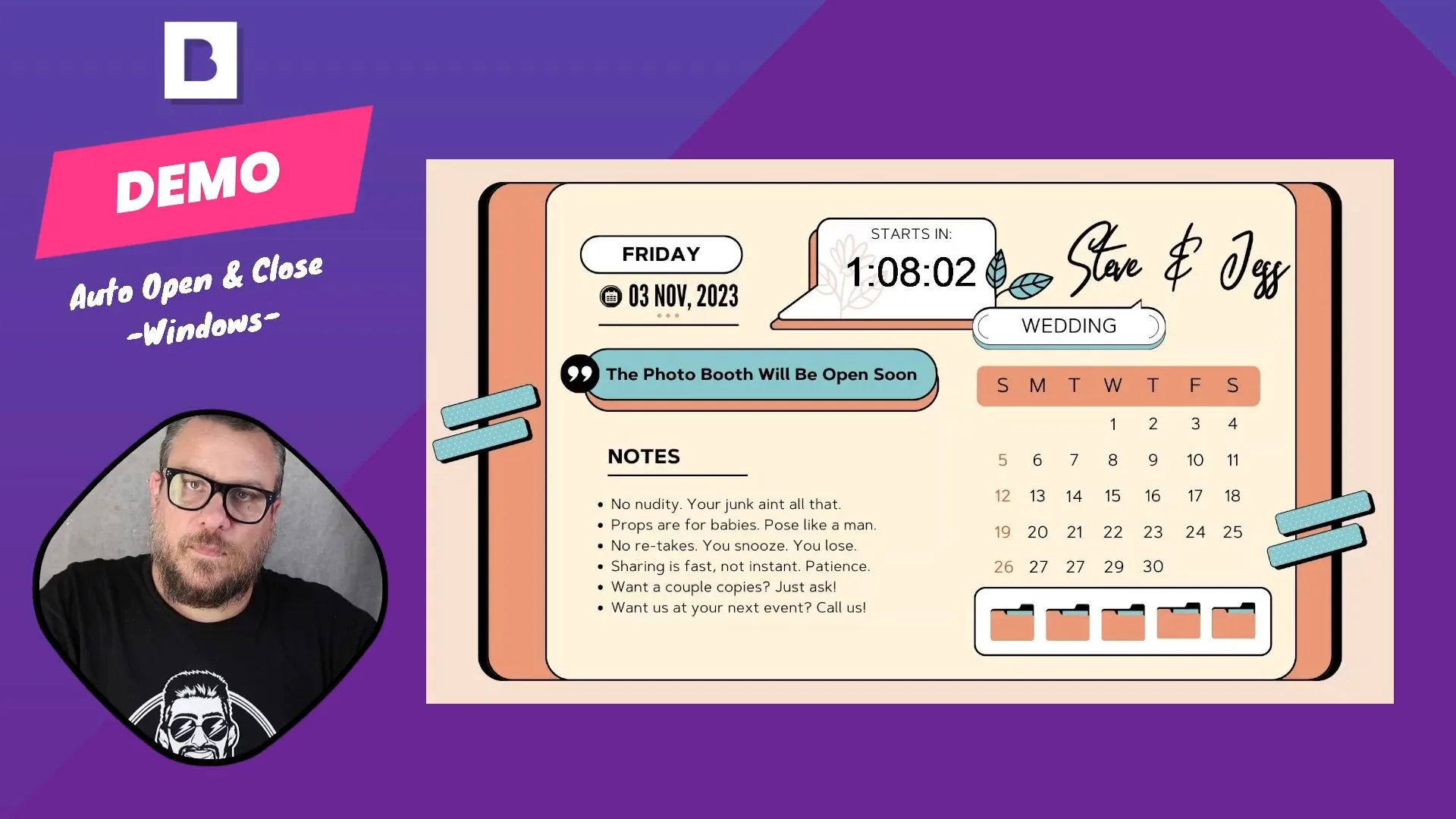
About this video#
This video shows how to configure the Breeze photo booth for Windows to automatically open and close based on specified time intervals. It explains the setup process, highlighting the creation of two screen designs: 'before' and 'after' sessions, and the use of tokens to display countdowns. The video walks through enabling the time session settings in Breeze, customizing countdown displays, and advanced settings to bypass the closed booth manually. It concludes by demonstrating the system's transition from open to closed states based on the set time intervals.
Was this page helpful?
Thanks, that helps us improve the guides.