

Kiosk Mode
On this page
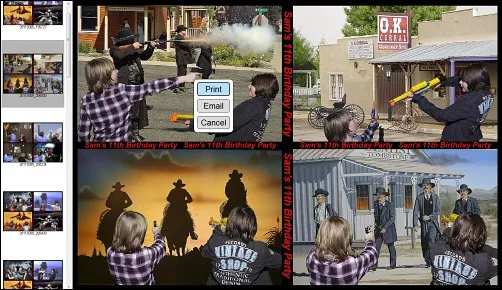
Kiosk mode provides a simplified fullscreen interface for event photographers, allowing guests to print or email images using a touchscreen monitor. The display is similar to filmstrip view with thumbnails on the left and a large image in the main area.
Before You Start#
- Set the display background to white (see Image Display Preferences).
- Switch to filmstrip view and adjust thumbnail size and window panes to suit.
- Optionally enable Monitor folder for changes and update display automatically in General Preferences to auto-refresh when new images arrive.
Then select View > Kiosk Mode > Switch to Kiosk Mode.
Using Kiosk Mode#
- Touch a thumbnail to display the image in the main area.
- Press and drag on the thumbnails to scroll.
- Touch the main image to show the action menu.
- An optional Touchscreen Keyboard can appear for user text entry.
- Press
Escapeto exit kiosk mode. Hide the keyboard during events to prevent users from exiting.
Configuring Menu Items#
Go to View > Kiosk Mode > Kiosk Mode Settings... to define the action menu:
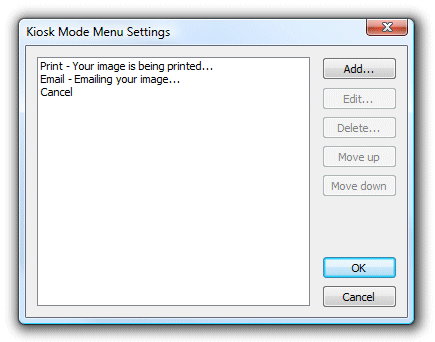
Use Add..., Edit..., Delete, Move Up, and Move Down to manage items. Each item has a Menu legend and one of three actions:
Do Nothing#
Hides the menu without performing any action.
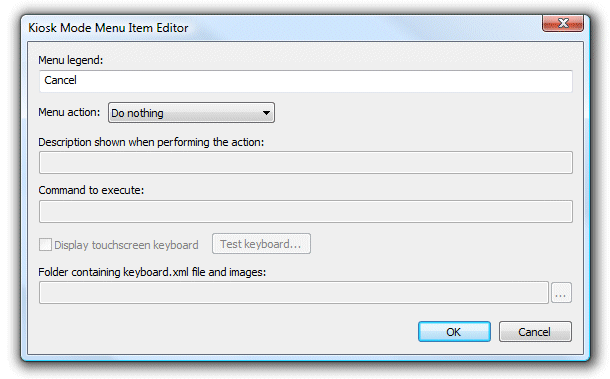
Print#
Resizes the image to fit the page and prints using current printer settings. A confirmation message is shown briefly.
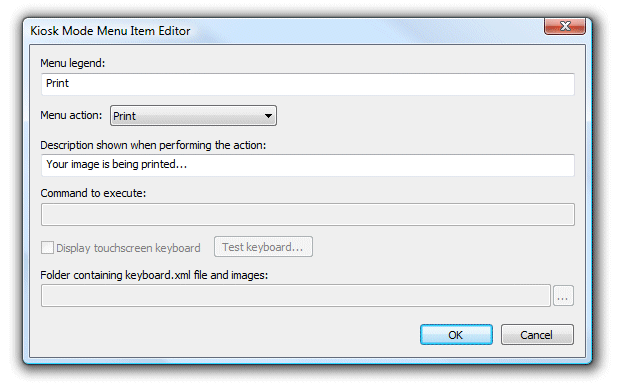
Run Command#
Runs a program or batch file. Optionally display a touchscreen keyboard to collect user input before running.
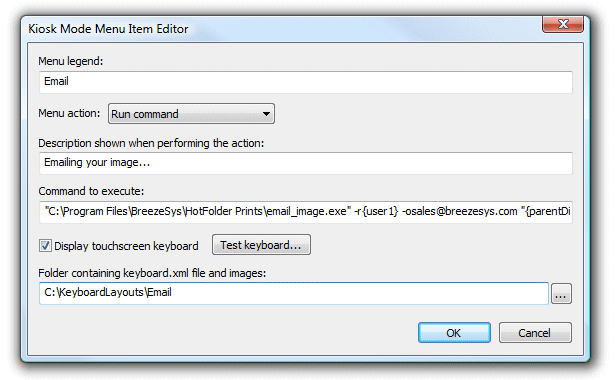
Tokens#
Tokens are replaced with data when the command runs. Useful tokens include:
{user1},{user2}— text entered by the user via the touchscreen keyboard.{file}— filename of the selected image (e.g.IMG_0123.JPG).{dir}— full path to the folder containing the image.{parentDir}— parent folder of{dir}.
Most HTML tokens can also be used. Tokens can be wrapped in curly braces {token} or @ characters @token@.
See the Photo Booth Event Example for a full command example.
The email examples use the email_image.exe utility from Hotfolder Prints, which must be purchased separately.
Was this page helpful?
Thanks, that helps us improve the guides.