

UI Basics
How Breeze screens are built from JPEG, PNG, GIF and video files, with examples of custom photo booth interfaces.
This video is hosted on Descript. Watch the video (4 min).
About this video#
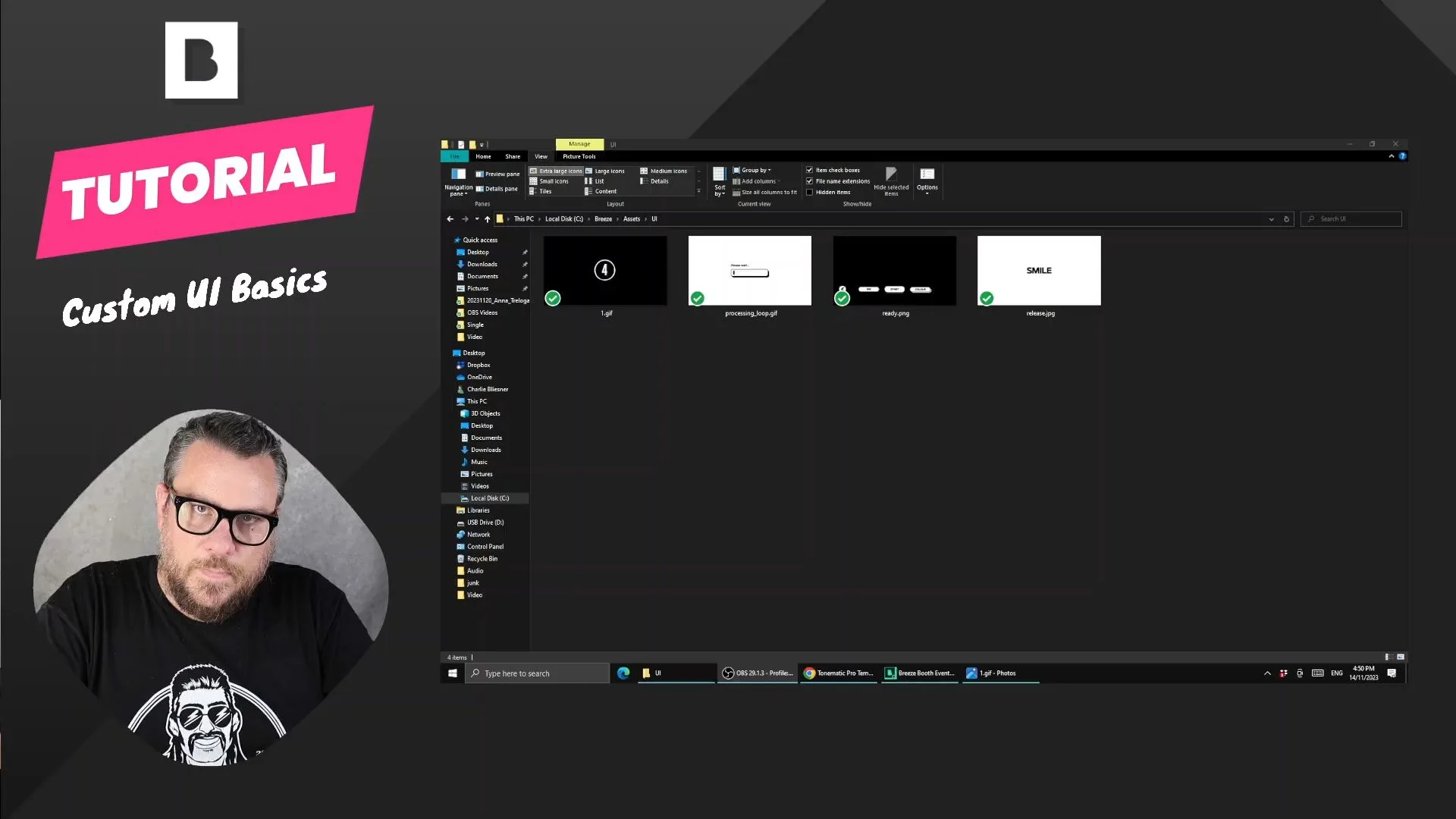
This video explains how to create custom user interfaces for photo booths using Breeze software. It details how different screens within the software are just JPEGs, PNGs, GIFs, or video files that can be designed uniquely using tools like Photoshop, Illustrator, After Effects, or Canva. The video provides examples of various custom photo booth experiences, such as start screens, color and black and white photo choices, animated GIFs for loading screens, countdowns, audio guest books, album cover creators, and sports trading card setups. It encourages users to design graphics first and then integrate them into Breeze software to build interactive experiences, emphasizing the flexibility and simplicity of the process.
Was this page helpful?
Thanks, that helps us improve the guides.