

HID & RFID Scanners
On this page
HID / RFID Scanner Support#
Breeze Booth can process data from HID devices such as:
- Barcode scanners
- QR code scanners
- RFID readers
- Magnetic card readers
- Keyboard-style input devices
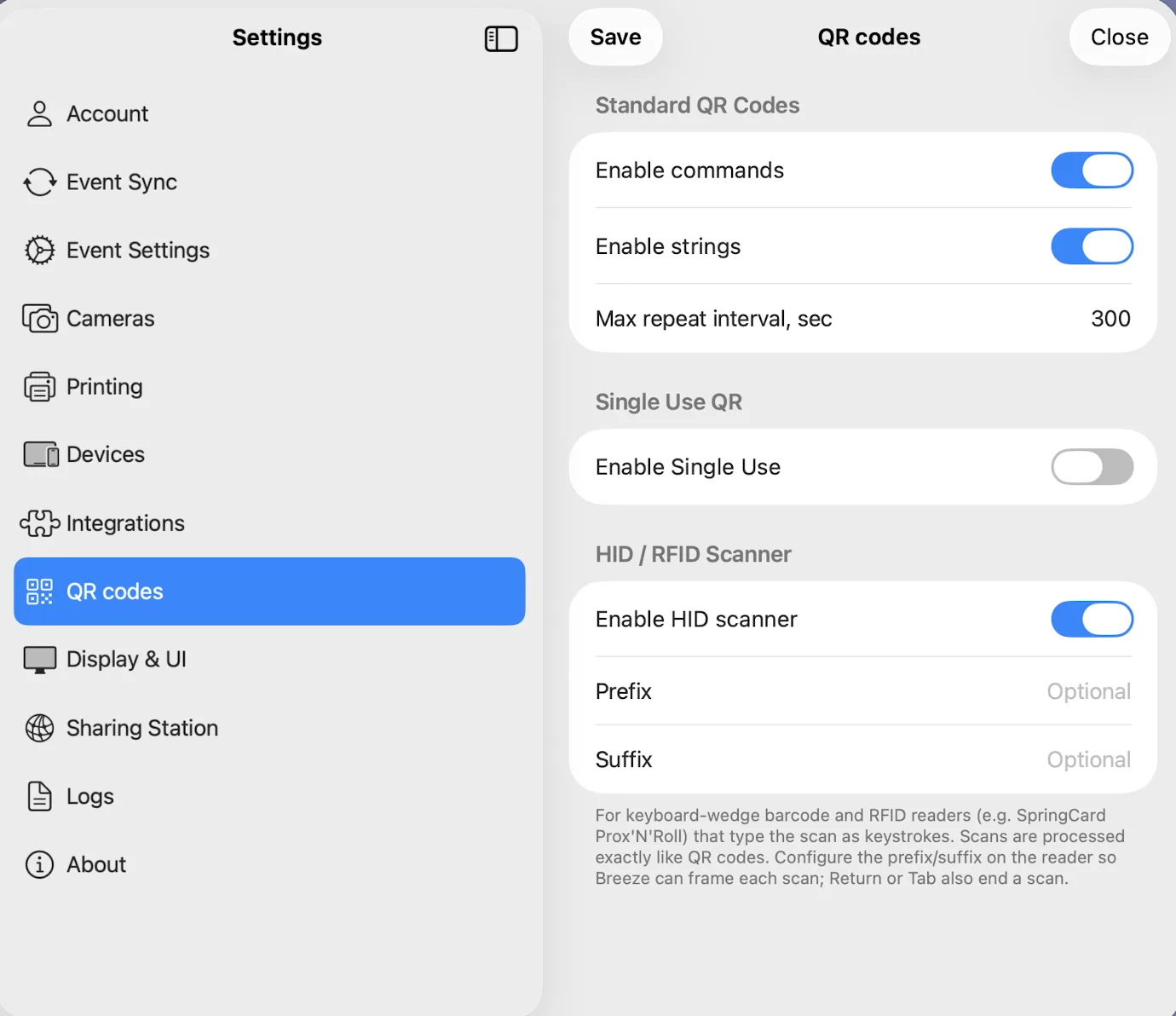
When Enable HID Scanner is enabled, any text received from the device is treated exactly like a scanned QR code.
This means HID input can be used with all QR code functionality, including:
- QR actions and commands
- Data strings (S1, S2, S3, etc.)
- Profile selection
- Layout selection
- FX configuration selection
- Session control and automation
HID input provides an alternative to scanning QR codes and can be useful for RFID cards, membership cards, tickets, wristbands, and barcode-based workflows.
Prefix and Suffix#
Many HID devices can be configured to send a prefix or suffix before and after the scanned data.
For example, a scanner may send:
@{START}ABC123{END}@
or
@{QR}@ABC123
Use the Prefix and Suffix settings to define these values so Breeze can correctly identify the start and end of each scan.
Configuring a prefix and suffix helps prevent accidental keyboard input from being interpreted as scanner data.
Common uses#
- Contactless photo booth experiences
- RFID wristbands and event credentials
- Membership and loyalty cards
- Ticket validation
- Staff or VIP identification
- Automated profile and FX selection
Because HID input is processed in the same way as QR codes, existing QR workflows can usually be adapted without any additional configuration.
Was this page helpful?
Thanks, that helps us improve the guides.