

Printing
On this page
Printing#
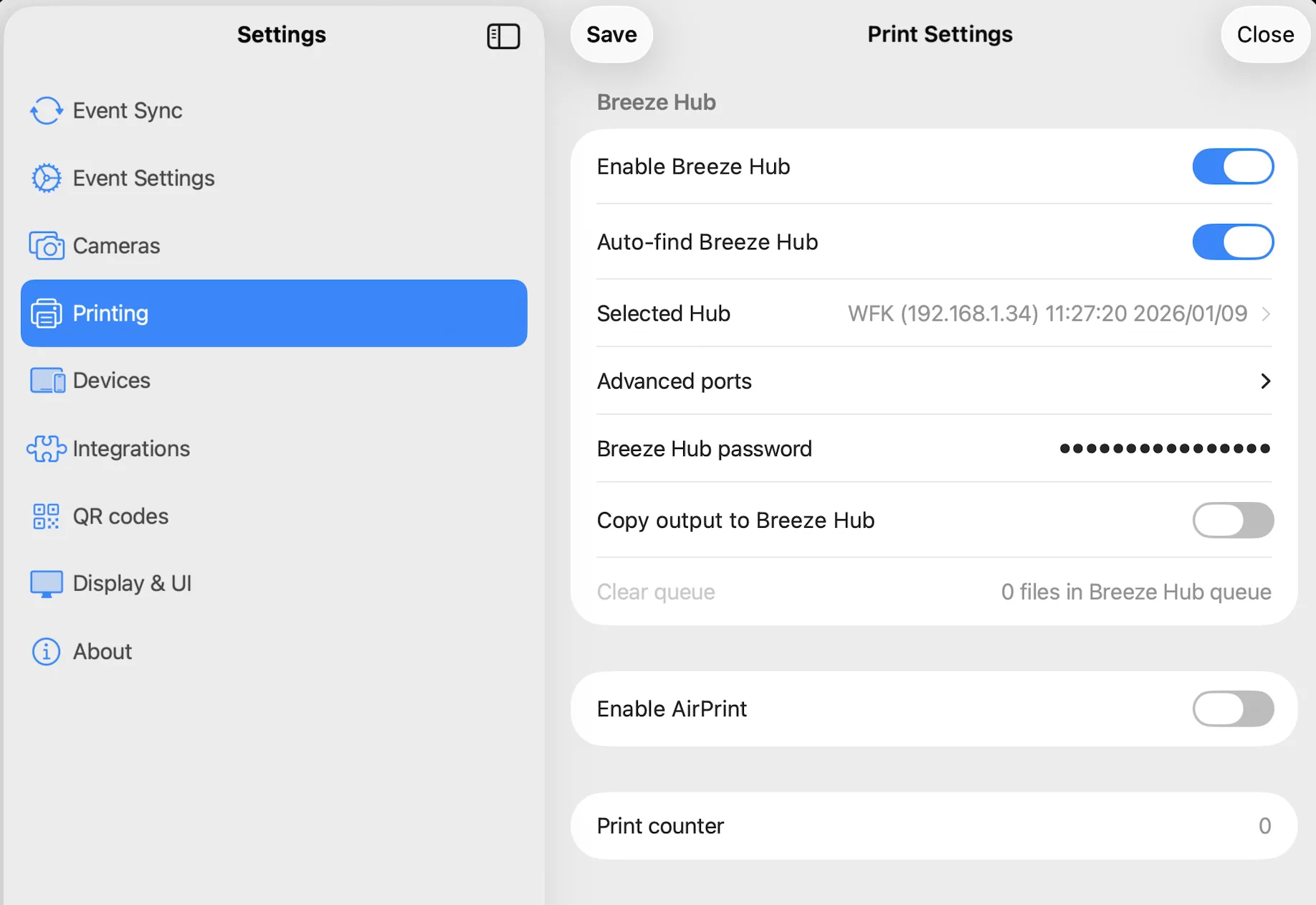
Breeze Booth supports several printing methods, including direct USB printing, Breeze Hub, AirPrint and Star photo printers.
For most photo booth setups, Direct USB Printing is recommended when using a compatible DNP or Citizen printer. It allows you to connect the printer directly to your iPad or Mac without requiring a separate computer.
Other printing options are available for speciality printers, unsupported dye-sub printers and different printing workflows.
Printing Options#
- Direct USB Printing – Recommended for compatible DNP and Citizen printers, with printer monitoring, pooling and failover.
- Breeze Hub – Print to any Windows-compatible printer using a PC on the local network.
- AirPrint – Simple wireless printing to compatible AirPrint printers, with limited configuration options.
- Star Photo Printer – Print directly to a supported Star printer over the local network using Ethernet and webPRNT.
Use Direct USB Printing whenever your printer is supported. Breeze Hub is recommended for other Windows-compatible printers or when you require a custom printing workflow.
Was this page helpful?
Thanks, that helps us improve the guides.