

Payments
Take payments at your Breeze Booth with Stripe, QR codes or Nayax, and choose the right option for your setup.
On this page
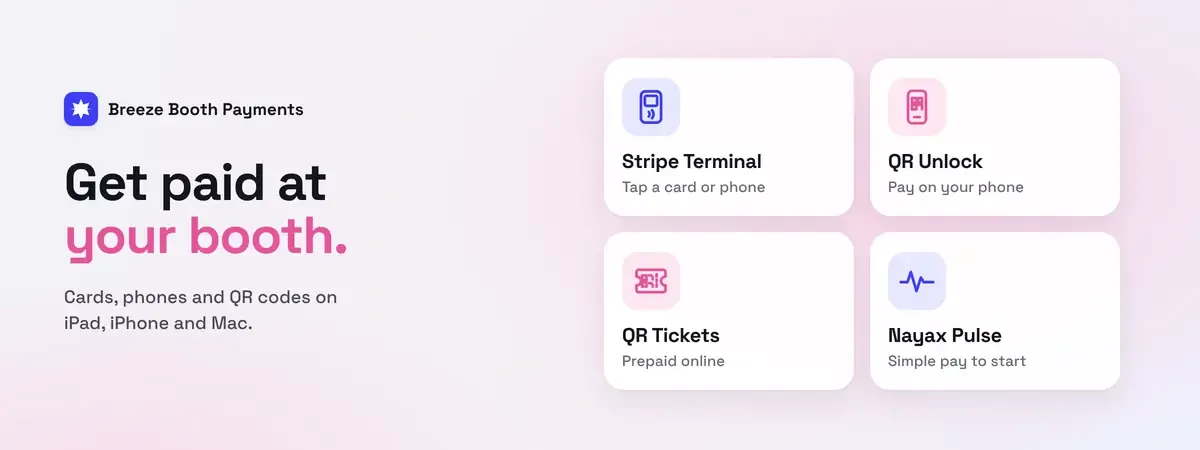
Taking Payments with Breeze Booth#
Breeze Booth can take payments directly at the photo booth on iPad, iPhone and Mac, so you can run pay-per-use booths, unattended kiosks and fundraisers without an operator handling cash.
Payments can be used to start a session, unlock the booth from the standby screen, buy extra prints, and pay for email and SMS sharing.
Payment setup is covered in the Breeze Payments guide. The links below take you straight to the Breeze Booth steps for each option.
Payment Options#
- Stripe Terminal (recommended). Guests tap a card, phone or watch on a Stripe Bluetooth or smart reader. Best for most setups. Costs 1 Breeze Credit per payment plus Stripe fees.
- QR Tickets. Guests pay online before the event, then scan their QR code at the booth. The booth doesn't need internet. Costs 1 Breeze Credit per payment plus Stripe fees.
- Nayax Pulse. A successful payment on the terminal triggers a keyboard shortcut in Breeze Booth. Best for simple pay-to-start and headless booths. Prices are set on the terminal. Nayax fees only.
Not sure yet? QR Tickets need no payment hardware, so they're an easy way to test paid sessions before buying a terminal.
MDB isn't supported with Breeze Booth. It works with Remote Pro and Kiosk on Windows. See Comparison for what each platform supports.
Was this page helpful?
Thanks, that helps us improve the guides.