

Color Block Effect
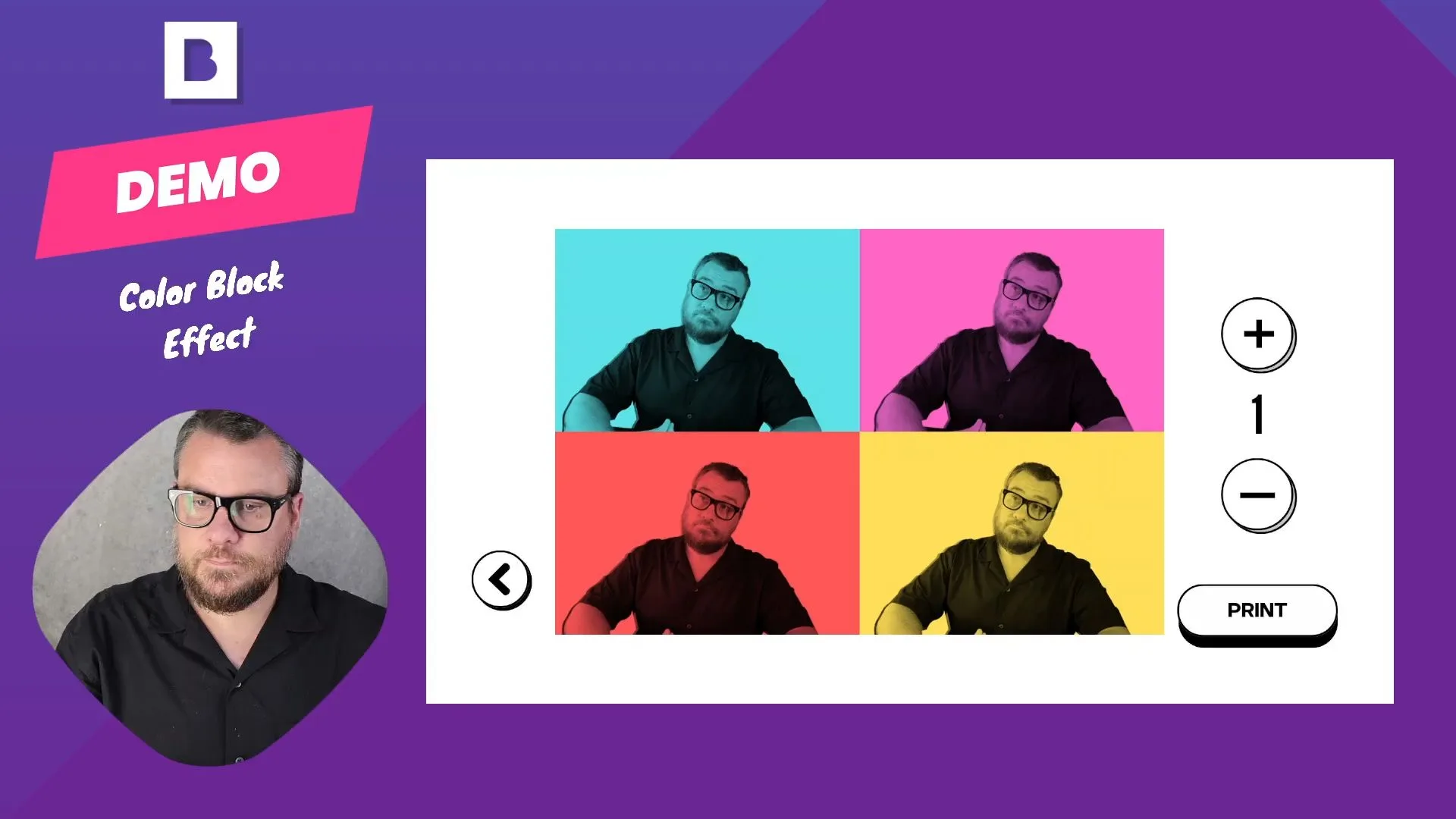
Create a colour blocking print with four colour washes and AI background removal.
This video is hosted on Descript. Watch the video (3 min).
About this video#
This video explains how to create a color blocking effect using Breeze Booth on Windows and iPad. The process involves using the print layout editor to import a background with four different colors and assign matching color washes to four images. Additionally, AI background removal via Remove.bg is set up to facilitate transparent backgrounds without needing a green screen. The tutorial demonstrates the steps and confirms the effectiveness of the technique, highlighting its potential use for branding or colorful events.
Was this page helpful?
Thanks, that helps us improve the guides.