

OrcaVue 360
On this page
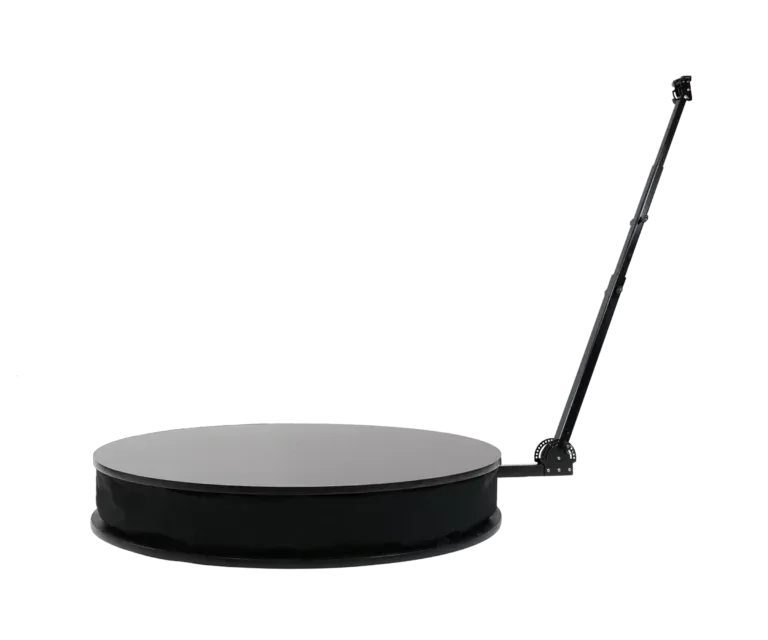
Breeze Booth can connect to and control OrcaVue 360 platforms.
Setup#
- Ensure your OrcaVue platform is set to App mode on the controller box
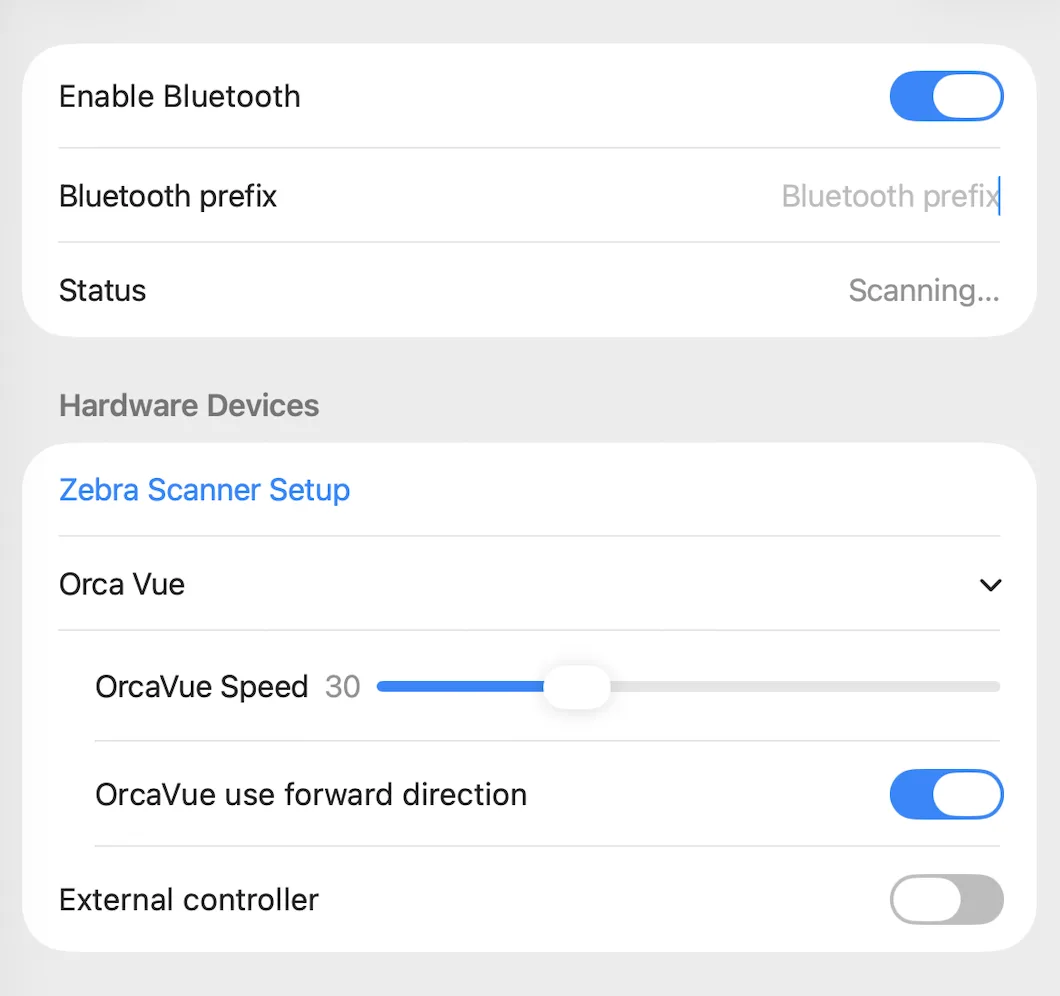
- Go to Breeze Booth > Settings > Devices > Bluetooth and enable the option.
- Once connected you should see the OrcaVue listed as a connected device in the Status menu
Controlling OrcaVue#
The OrcaVue platform will automatically start when the Video Countdown begins, and will automatically stop when the video recording has finished.
Adjusting Speed & Direction#
Go to Breeze Booth > Settings > Devices > OrcaVue and adjust the speed slider (where 100 is fastest and 0 is slowest), and uncheck the user forward direction option to make the OrcaVue run backwards.
Was this page helpful?
Thanks, that helps us improve the guides.