

Layering
On this page
Screen Formats and Layering#
Screens can comprise of either a jpg, gif, png or mov/mp4 files and in most cases (if desired) these can all be used on the same screen allowing you to create a layered interface.
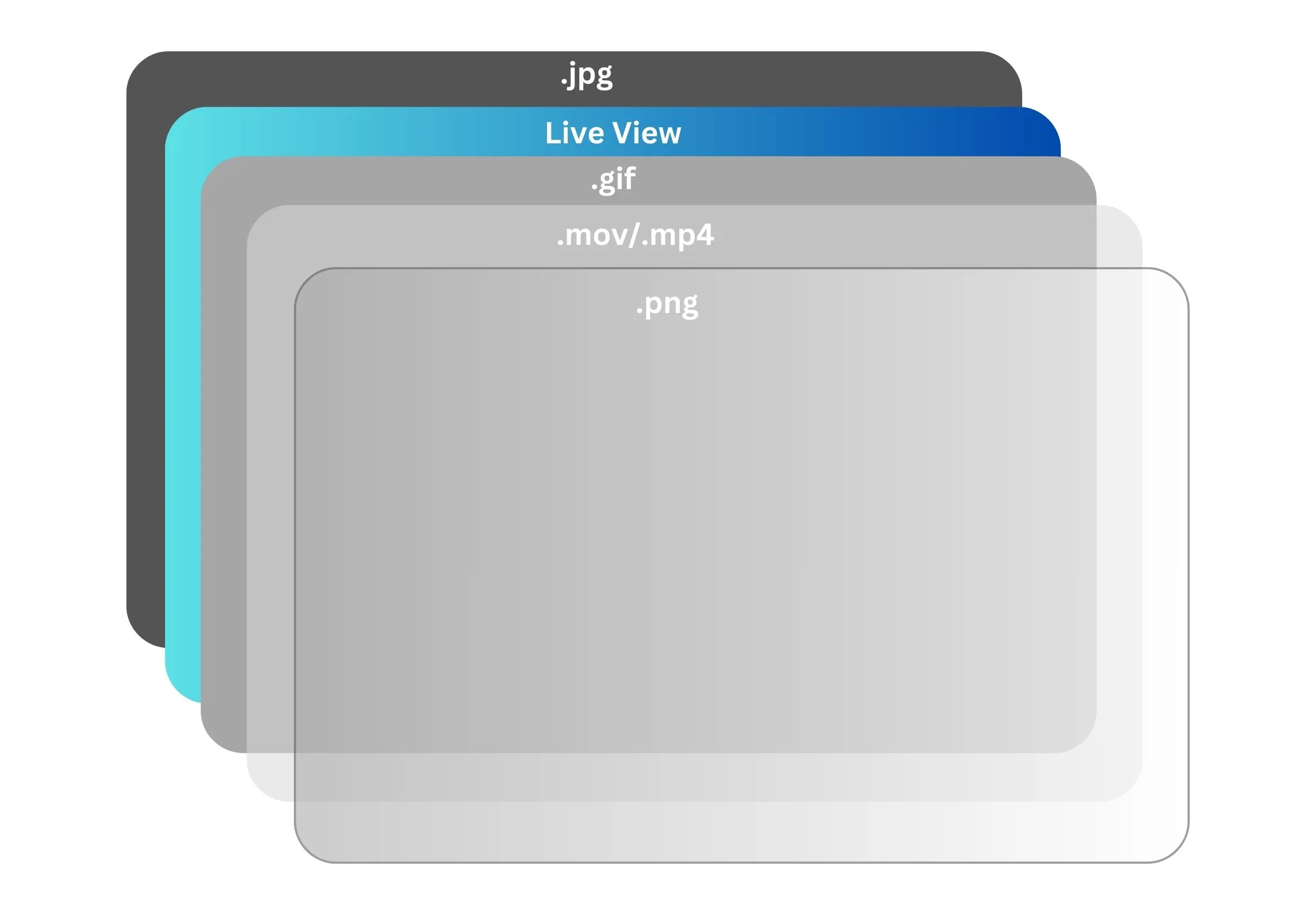
- The GIF format only supports fully opaque or fully transparent areas.
- The alpha channel of the PNG image can be used to give full control over the transparency of the overlay from fully transparent through semi-transparent to fully opaque.
- Videos can be in MP4 format (with a .mp4 file extension) or Apple QuickTime format (with a MOV file extension). QuickTime videos saved in HEVC format can contain an alpha channel to give full control over the transparency of the video from fully transparent through semi-transparent to fully opaque.
Examples#
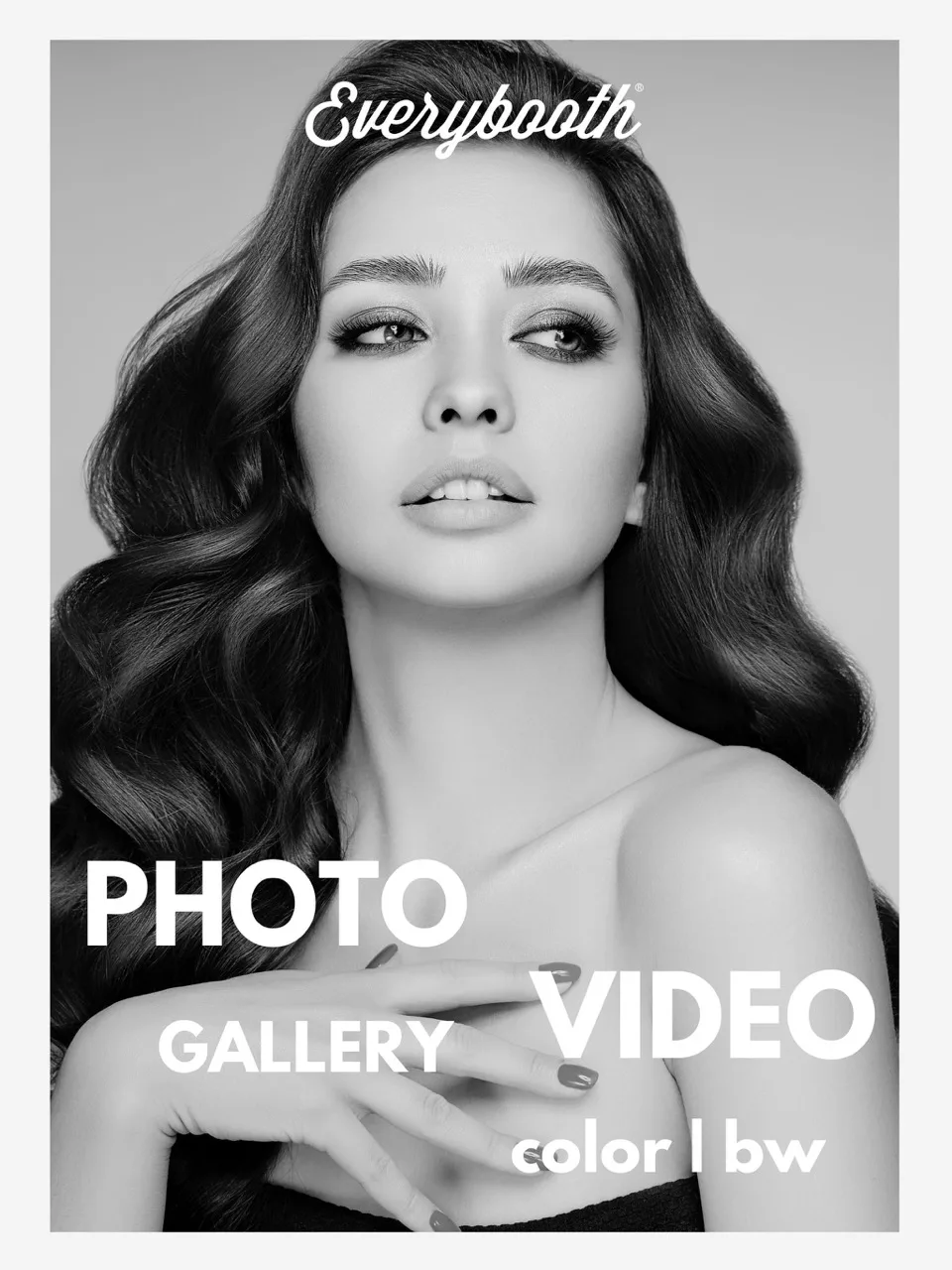
Ready Screen using ready.jpg as the background image with the start buttons, and the Live View sitting on top.
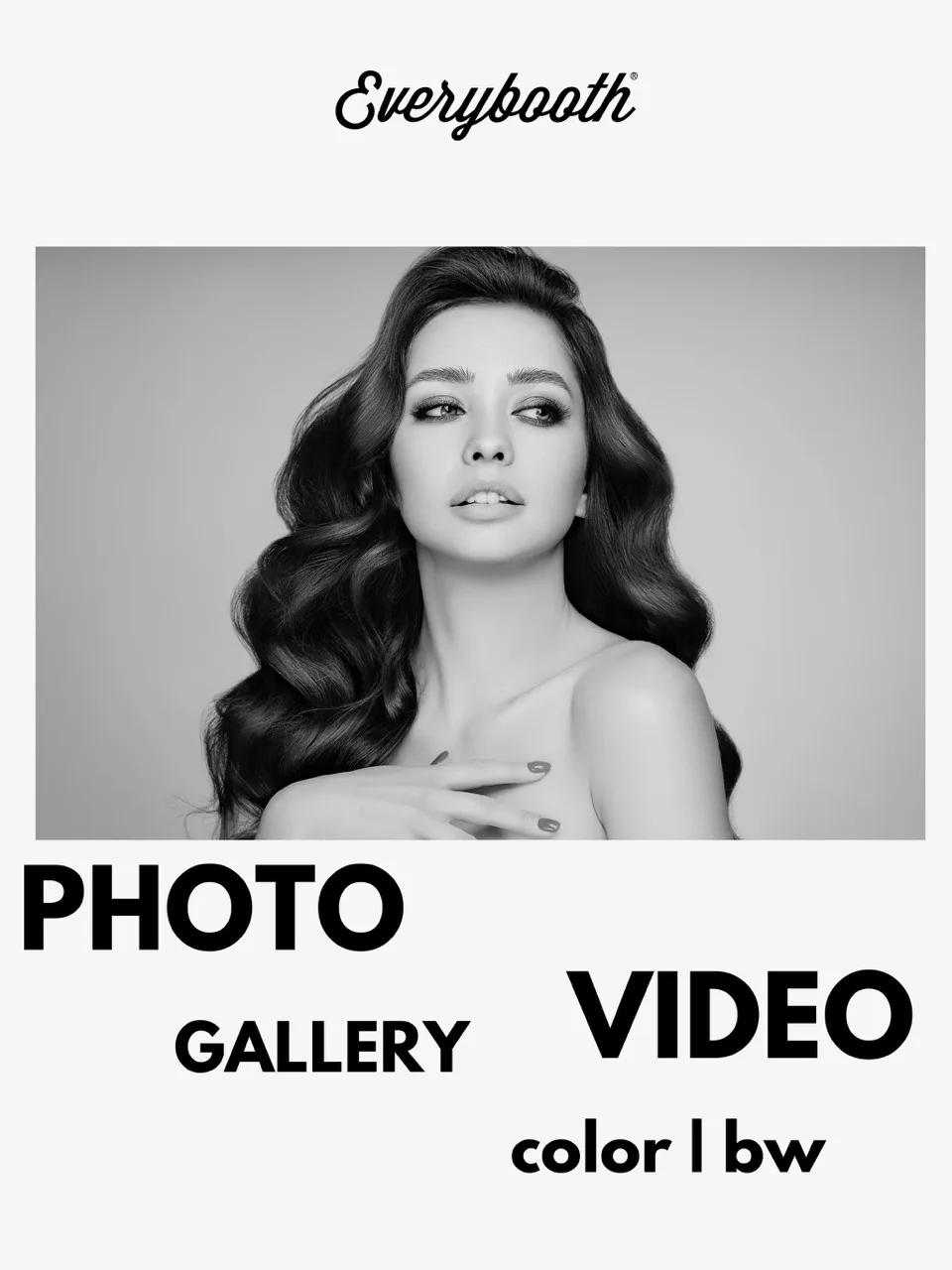
Ready Screen using ready.jpg as the background (soft grey background) and ready_overlay.png on top of the Live View to add the start buttons
Was this page helpful?
Thanks, that helps us improve the guides.