

Introduction
On this page
Introduction to Breeze Booth#
Breeze Booth is professional photo booth software for iPad, iPhone and Apple Silicon Macs. It can be used to create everything from simple photo booths for weddings and parties to fully customised branded activations, video booths, 360 experiences, AI photo booths and permanent installations.
Breeze Booth supports built-in device cameras, compatible Canon DSLR and mirrorless cameras, and external webcams and capture devices on supported hardware. Printing options include direct USB printing to compatible DNP and Citizen printers, AirPrint, and Windows printers using Breeze Hub.
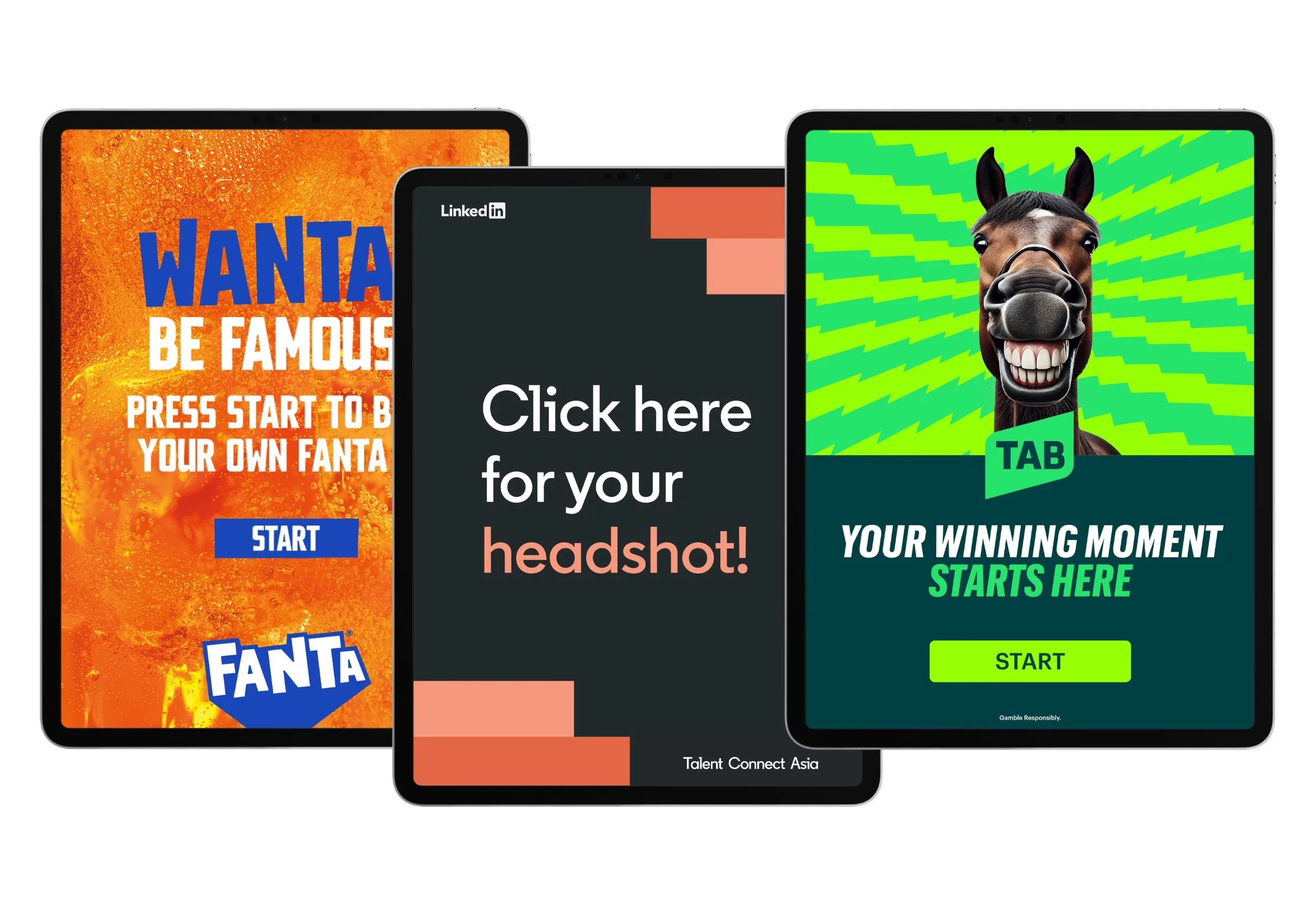
How it fits together#
Breeze Booth works with two other parts of Breeze:
- Breeze Studio is where you design what guests see: touchscreen interfaces, print layouts, animations, AI effects, payment options and sharing emails.
- Breeze Cloud is where you set up the Event and manage what guests receive: galleries, private microsites, sharing by email, SMS and QR code, and the data you collect.
A typical event looks like this:
- Create an Event in Breeze Cloud
- Build the booth interface in Breeze Studio and link it to the Event
- Run the event on Breeze Booth. Photos, GIFs and videos upload to Breeze Cloud as guests use it
- Share the gallery, and view or export the data after the event
Breeze Studio was previously called the Event Editor. You may still see the old name in some older guides and videos.
- Download Breeze Booth – Download the app for iPad, iPhone or Mac.
- Breeze Cloud – Create a free account for licensing, designing events in Breeze Studio and syncing events to your devices.
Was this page helpful?
Thanks, that helps us improve the guides.