

Display & UI
On this page
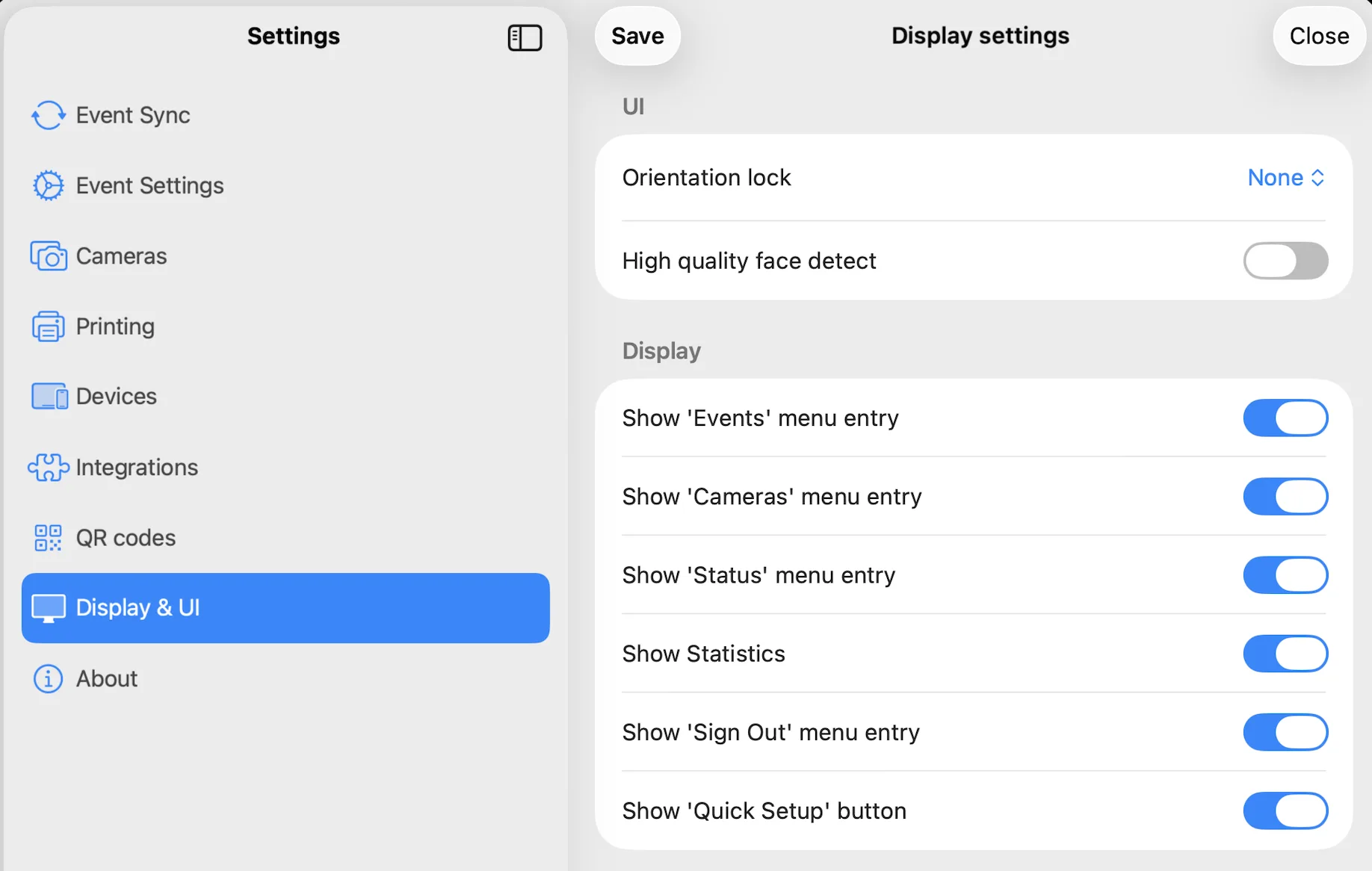
The Display & UI settings allow you to configure various display settings related to the startup screen menus and the photo booth user interface.
User Interface#
Orientation Lock#
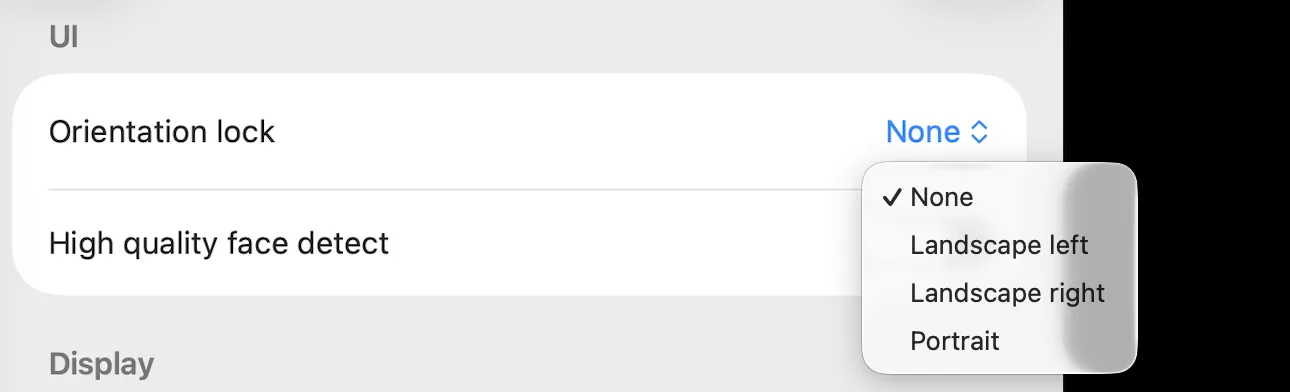
This is used when you need to stop Breeze Booth from switching between a Landscape or Portrait profile when the device is rotated. Typically used when doing roaming photography or the device is connected to a Robotic arm.
For normal use, this can be left as None.
High Quality Face Detect#
When enabled Breeze uses higher-quality face detection for virtual props, giving you more stable placement.
Suitable for more powerful iPads only (e.g., iPad Pro, or iPads with M Processors).
Display#
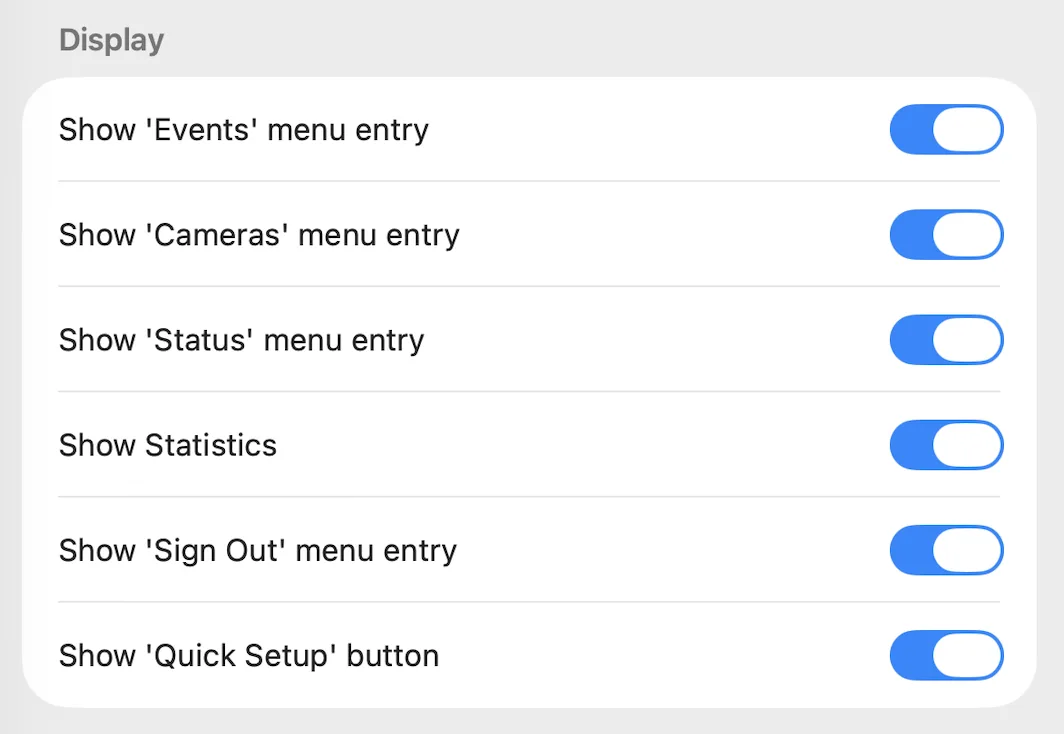
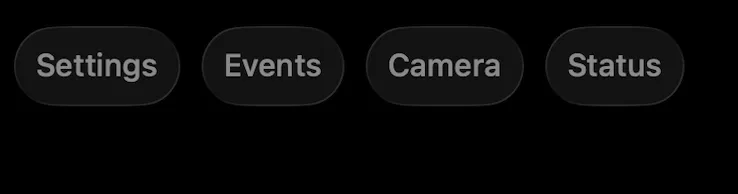
These options allow you to hide or show specific menus on the Startup Screen.
Was this page helpful?
Thanks, that helps us improve the guides.