

Printer Setup
On this page
Printer Setup#
When your output is set to either Print Only or Print and save JPEG copy, you will need to select a printer. Select the printer from File > Printer Setup.
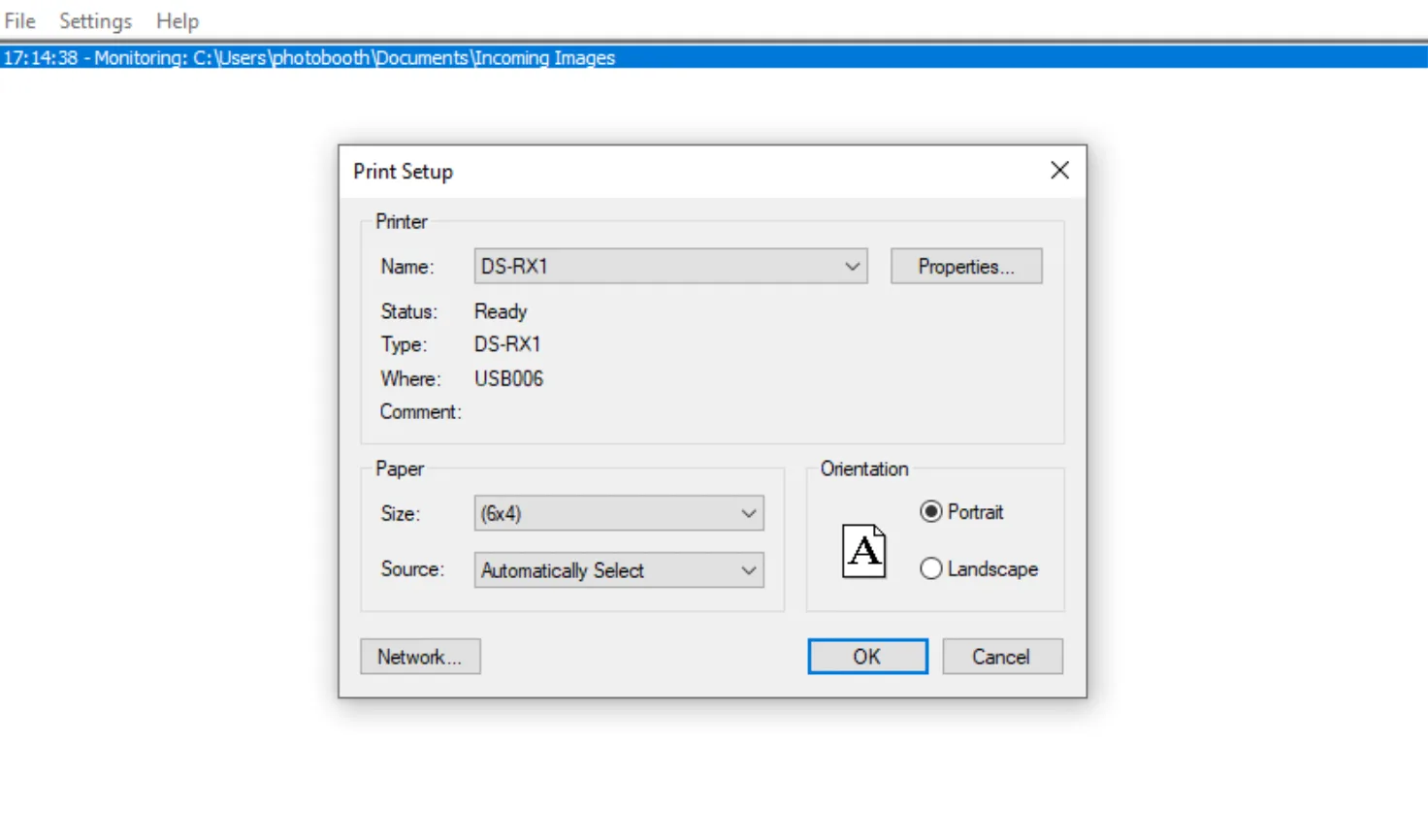
Printer settings are saved into the Hotfolder settings file when saving.
Printer Pooling#
Hotfolder supports Windows Printer Pooling when the Print as Seperate Documents option is enabled in File > Preferences. For example, if Hotfolder is set to print 3 copies of each print, rather then being sent as one document to be printed 3 times, it will be sent to the printer queue as 3 seperate documents. Windows will then send each document to the next available printer.
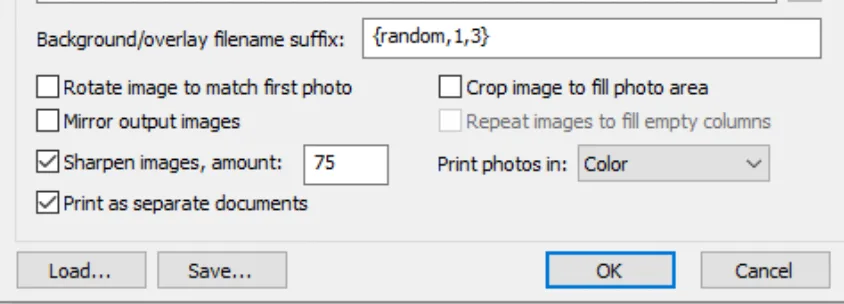
See this ChatGPT guide on how to set up Windows Printer Pooling
Was this page helpful?
Thanks, that helps us improve the guides.