

Overview
On this page
Print Layout Editor Overview#
The right-hand side of the Print Layout Editor displays the print layout. Photos and captions can be edited interactively by clicking on them using a mouse and then dragging to position, resize, or rotate them. The left-hand area of the window contains controls to help with the layout and for loading and saving settings.
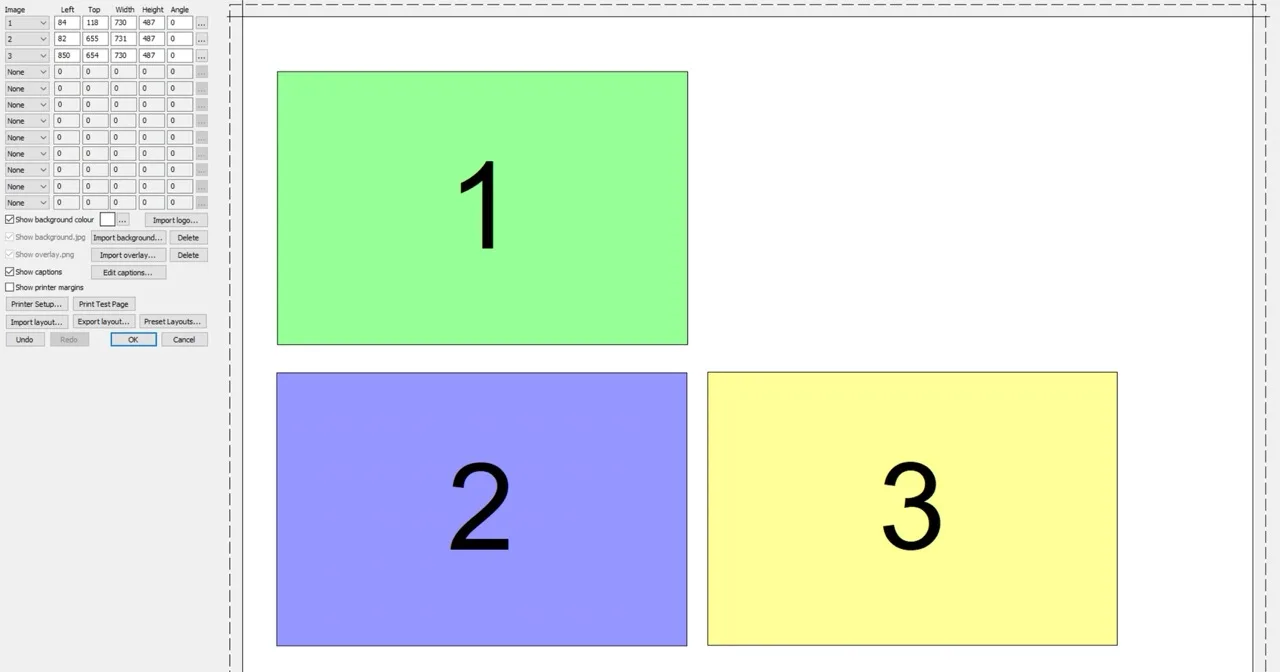
Edit Photo Position#
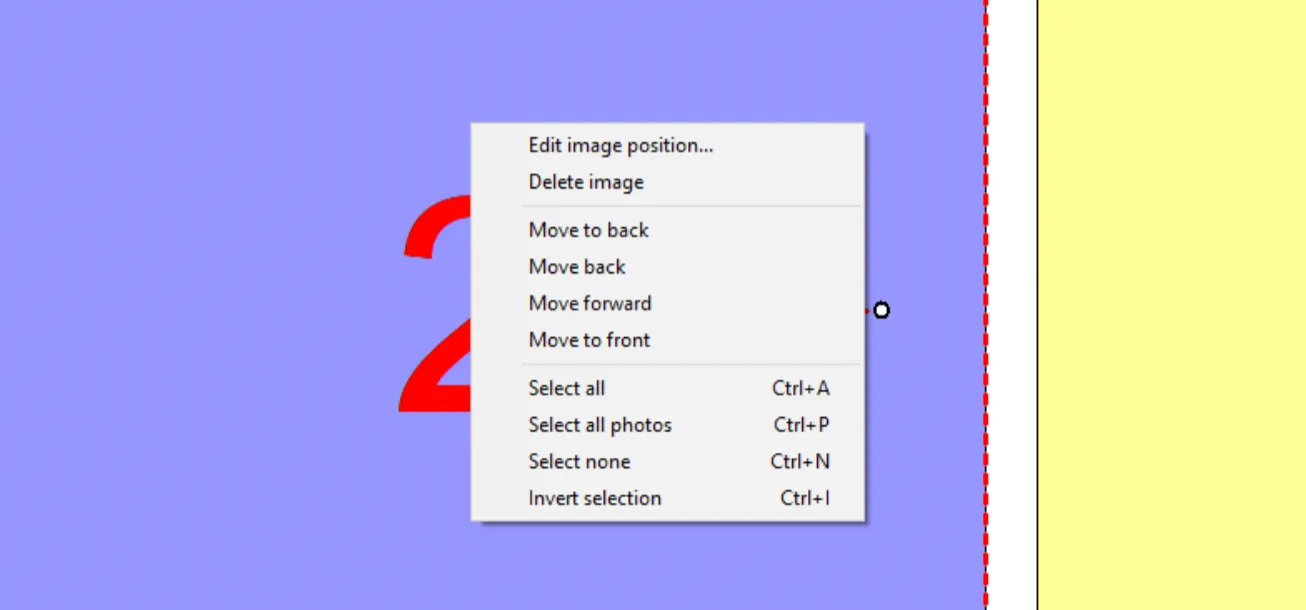
Right click on a photo to view the Edit menu, where you can see options to select, delete, resize and adjust the layer of the image.
Learn more about Adding & Editing Photos
Undo and Redo#
Click on the Undo button (or type ctrl+Z) to undo changes. Click on the Redo button (or type ctrl+Y) to redo changes. You can't undo the following actions:
- Printer setup
- Import background
- Import overlay
- Import layout
Hiding and Showing Elements#
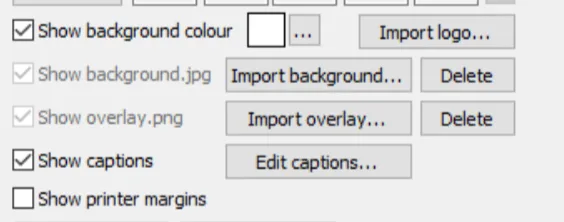
Use the various "Show" checkboxes to control what is displayed in the print layout preview. This is useful if you want to simplify the preview display to make it easier to adjust the photo positions.
Unchecking the "Show" checkbox for an element only affects the print layout preview and does not affect the final prints.
Was this page helpful?
Thanks, that helps us improve the guides.