

Exporting Layouts
On this page
Exporting Layouts#
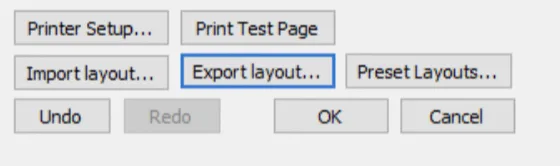
You can save a print layout for future reference by clicking on the Export layout button. This will save the entire layout, including any overlay and background images, to a single file with a .pblt file extension.
Importing Layouts#
A previously saved layout can be imported by clicking on the Import layout button or by dragging and dropping a print layout template file into the print layout editor window.
If your photobooth images folder contains a background.jpg or overlay.png image, they will be deleted or overwritten when importing a print layout.
Was this page helpful?
Thanks, that helps us improve the guides.