

Users
The Company Users section allows you to manage the list of users associated with your company. You can view details such as:
| Option | Description |
|---|---|
| Name | Displays the full name of the user |
| Shows the email address linked to the user account | |
| Role | Indicates the assigned [[roles|role]] (e.g., Company Admin) |
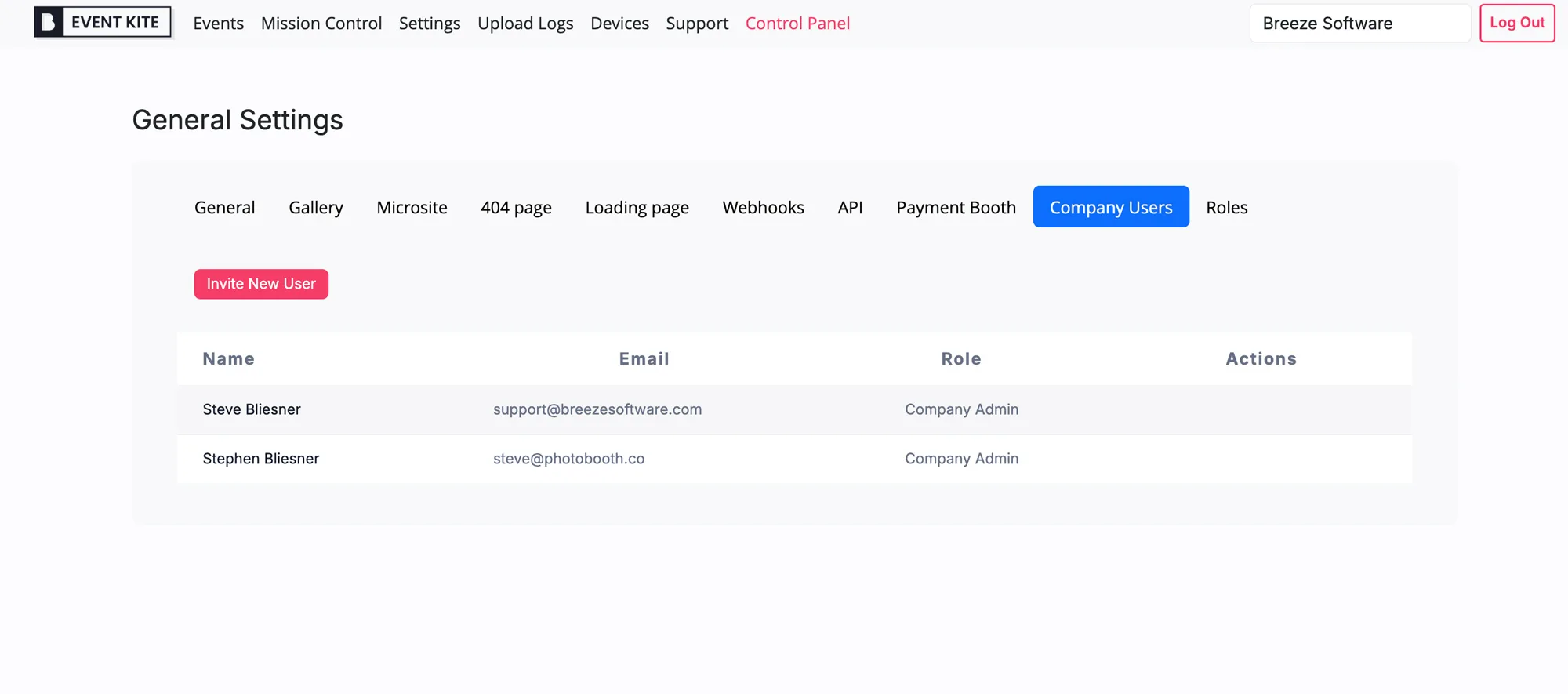
To add a new user, click the Invite New User button. This will allow you to send an invitation to join the company account with a specific role.
Switching Companies#
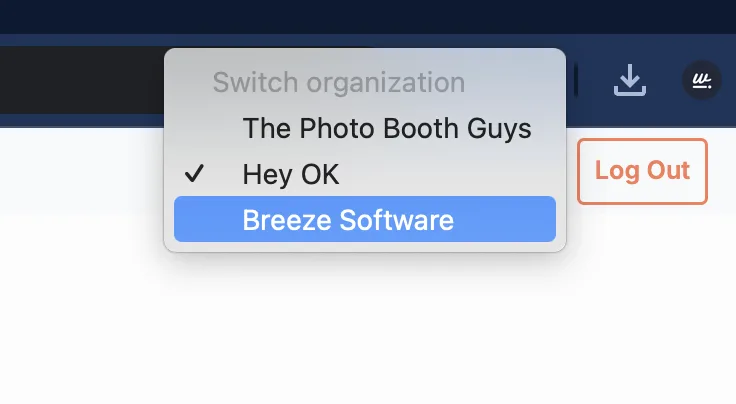
You can invite a user outside of your company. If they already have their own Breeze Cloud account, they will be able to switch companies.
Was this page helpful?
Thanks, that helps us improve the guides.