

Sharing Images
On this page
Once you have media uploading and it is linked or pushed to an event in Breeze Cloud, you can now share it from within the Breeze apps.
Sharing URLS#
When sharing images or galleries from within Breeze, you need to use the Sharing URL. You can find your Sharing URL for Sessions and Galleries in the General Settings of Breeze Cloud.
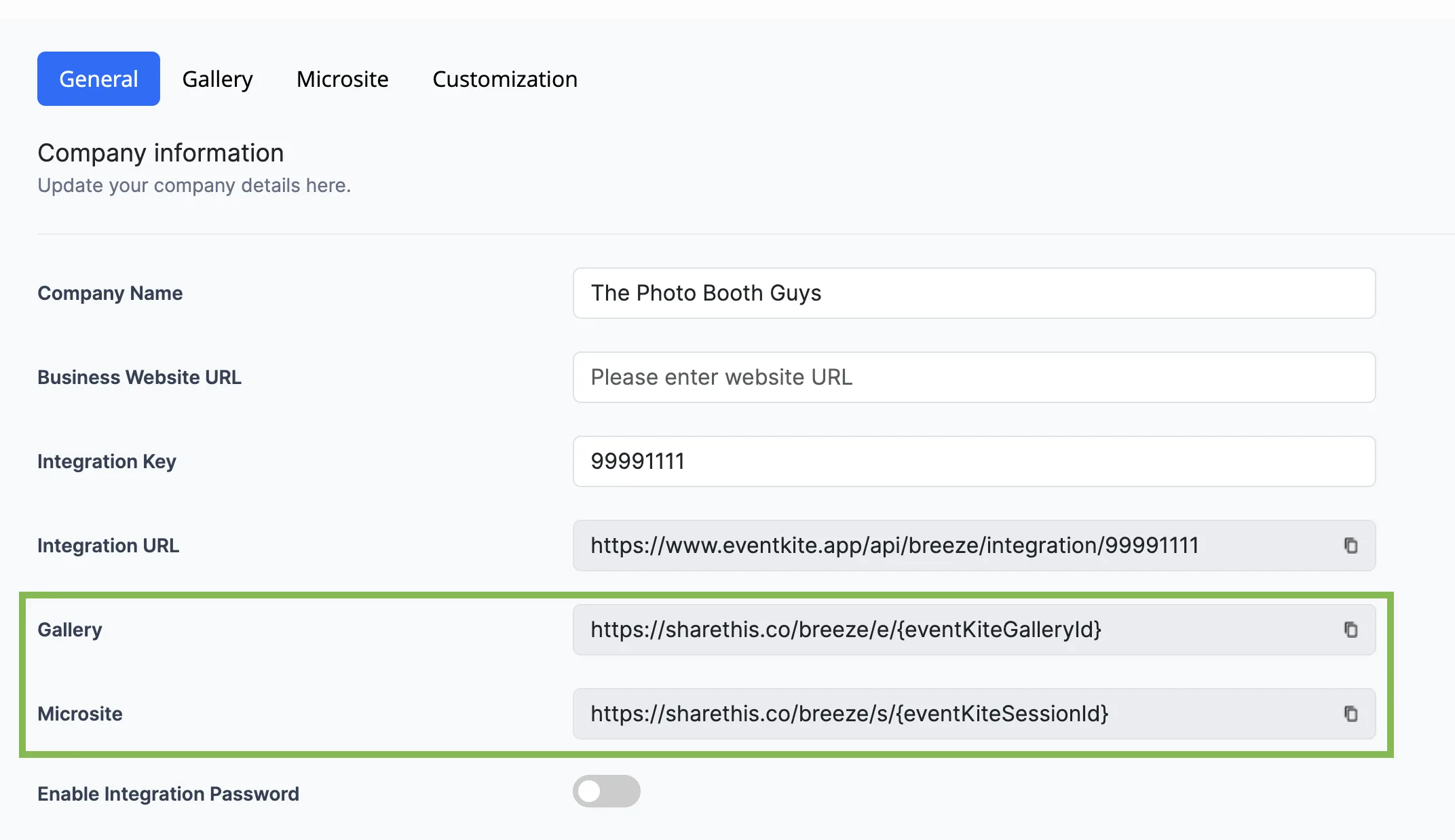
- The Gallery URL will link to the main gallery page of the event.
- The Microsite URL will link to the specific session that was shared.
Setup Guides#
Was this page helpful?
Thanks, that helps us improve the guides.