

Setting Usage Limits
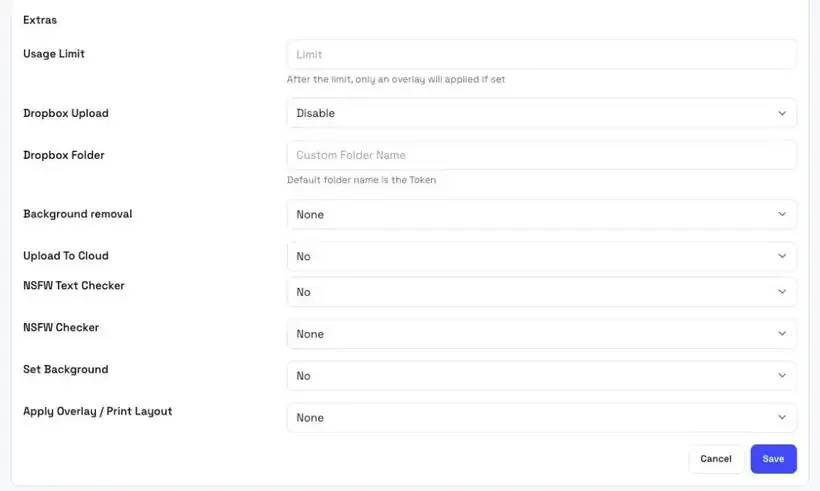
You can set a usage limit for each FX config. This helps to avoid cost overruns. When the limit is reached, the image will be returned to Breeze with no FX applied, except if you have an overlay.
FX Configuration#
Usage Limits are set per FX Configuration in the Extras > Usage Limit field. Enter the maximum number of images the configuration should process.
Was this page helpful?
Thanks, that helps us improve the guides.