Photos & prints
Capture and print automatically: classic strips or multi-image layouts, with overlays and backgrounds from the layout editor.
Read the guideBlack Friday: Remote Pro upgrades $99 · Breeze Booth $399 a year
See all the deals
Products
 Breeze BoothiPad, iPhone & Mac
Remote ProWindows & DSLR
Breeze CloudGalleries & sharing
Breeze FXAI transformations
PaymentsTake payments
HotfolderPrint automation
Compare
Compare Breeze productsWhich Breeze app is right for you Partners & integrationsCameras, payments and booths that work with BreezeBuild
API referenceBuild on Breeze Cloud, FX and licensing Breeze LabsFree design tools for filters/LUTs and booth UI MarketplaceKits, widgets and templates to download Downloads & supportInstallers, older versions, manuals and help TemplatesPrint templates, overlays and AR propsCommunity
Hire an expertCertified Breeze builders for your events Upcoming eventsBreezeCon, trade shows and meetups Facebook groupAsk the community and share ideasPhoto booth software for Windows.
Lightweight, reliable and highly flexible photo booth software for Windows PCs. Tethered Canon shooting with complete control of the experience, loved by tens of thousands of users.
Free trial · every feature included
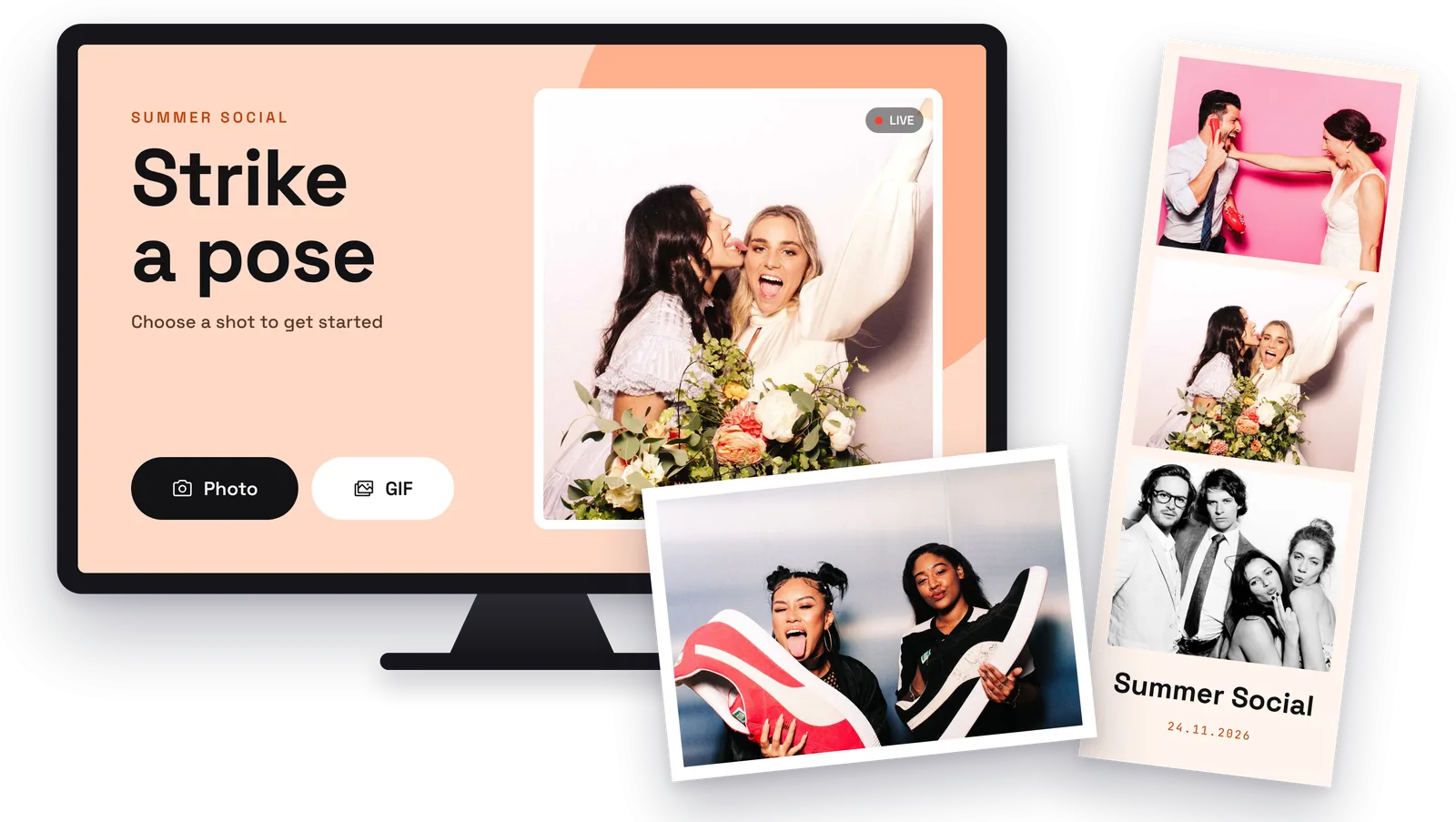
Capture and print automatically: classic strips or multi-image layouts, with overlays and backgrounds from the layout editor.
Read the guideRecord video with overlays, intros, outros, jump cuts and slow motion, and turn any session into an animated GIF.
Read the guideFull control of every screen. Design in the tools you already use, for booths, mirror booths, permanent installs and brand activations.
Read the guideDesign your screens and print layouts in Remote Pro, then make buttons, countdowns, backgrounds and filters for them in Breeze Labs, our design studios in the browser.
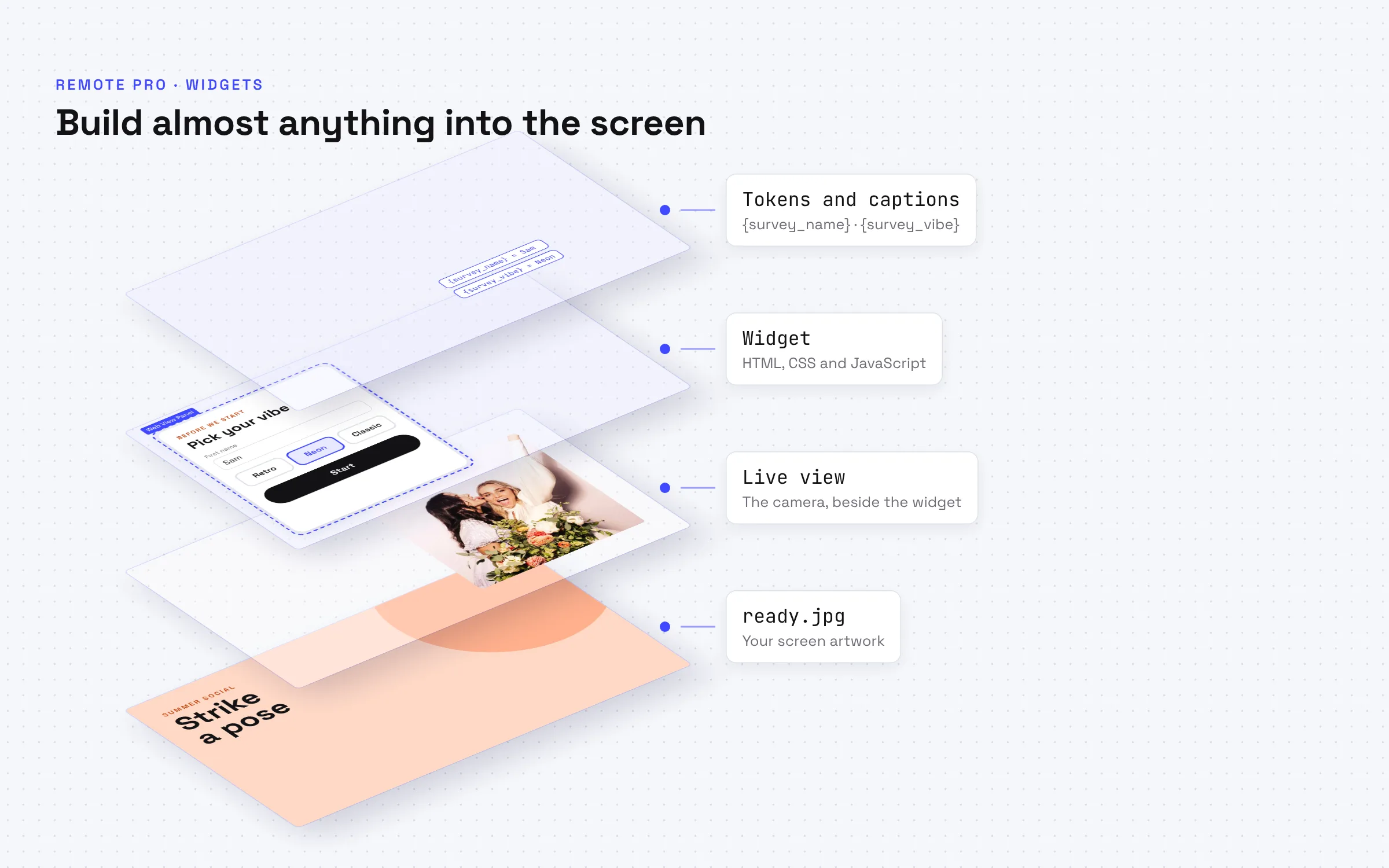
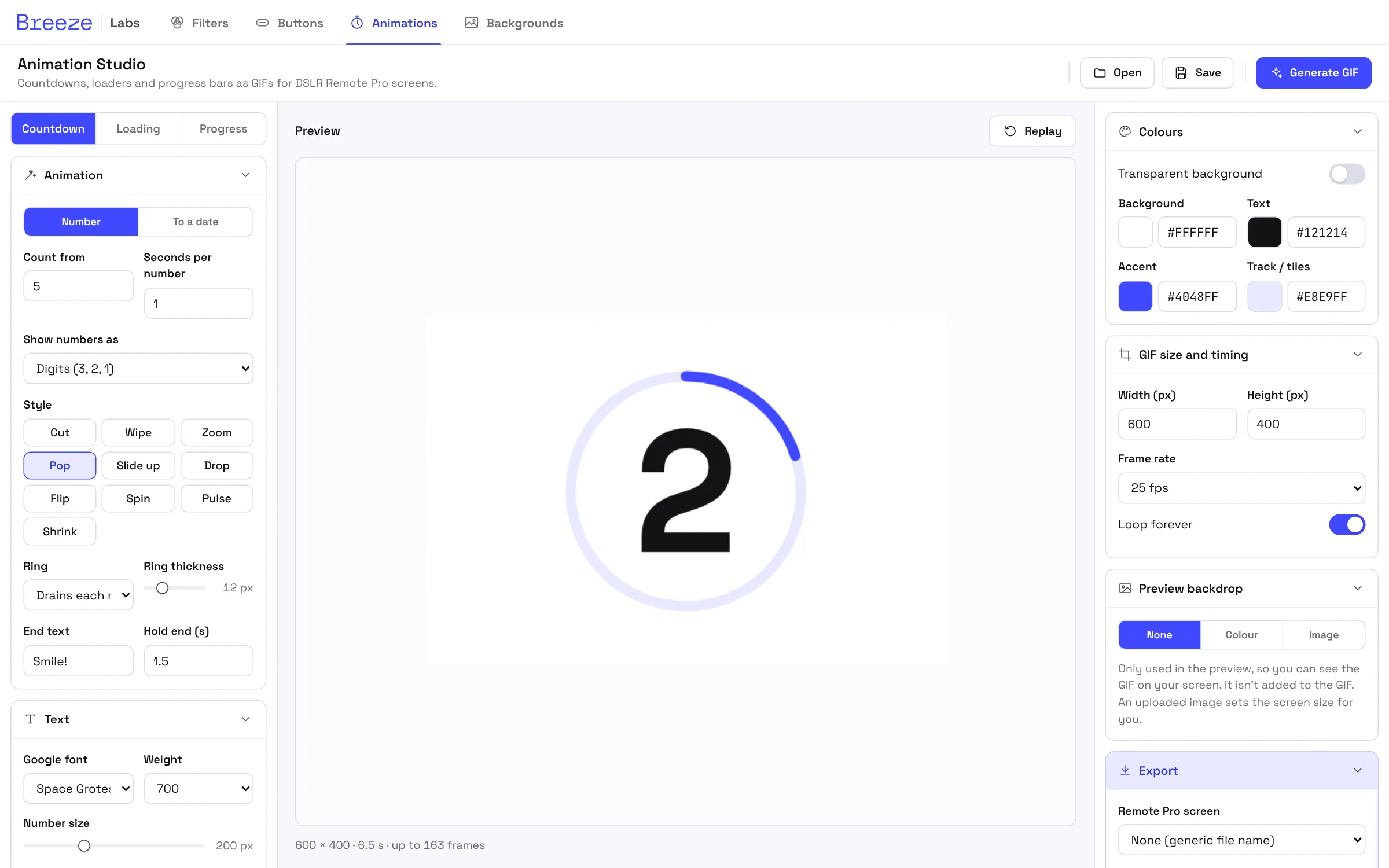
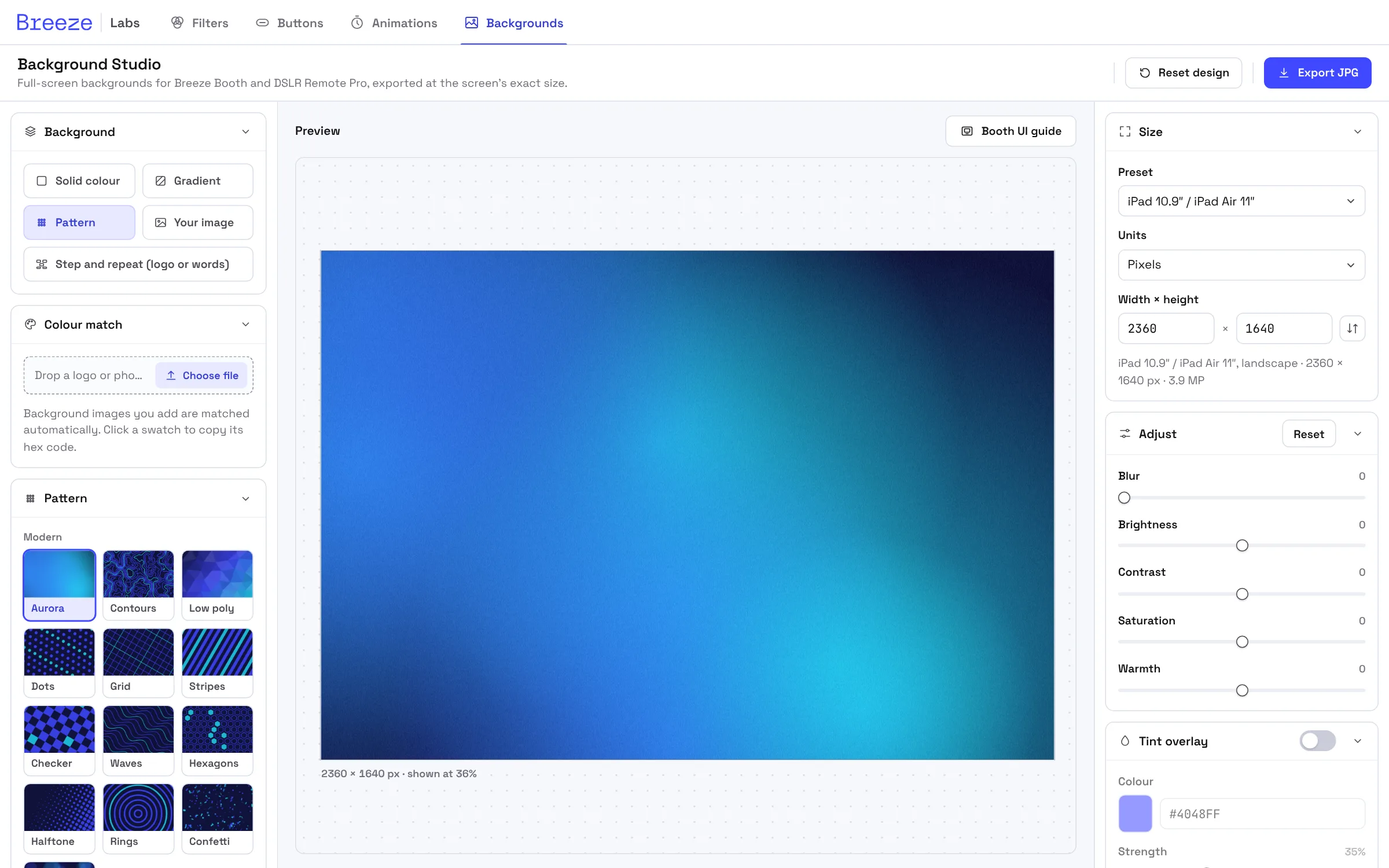
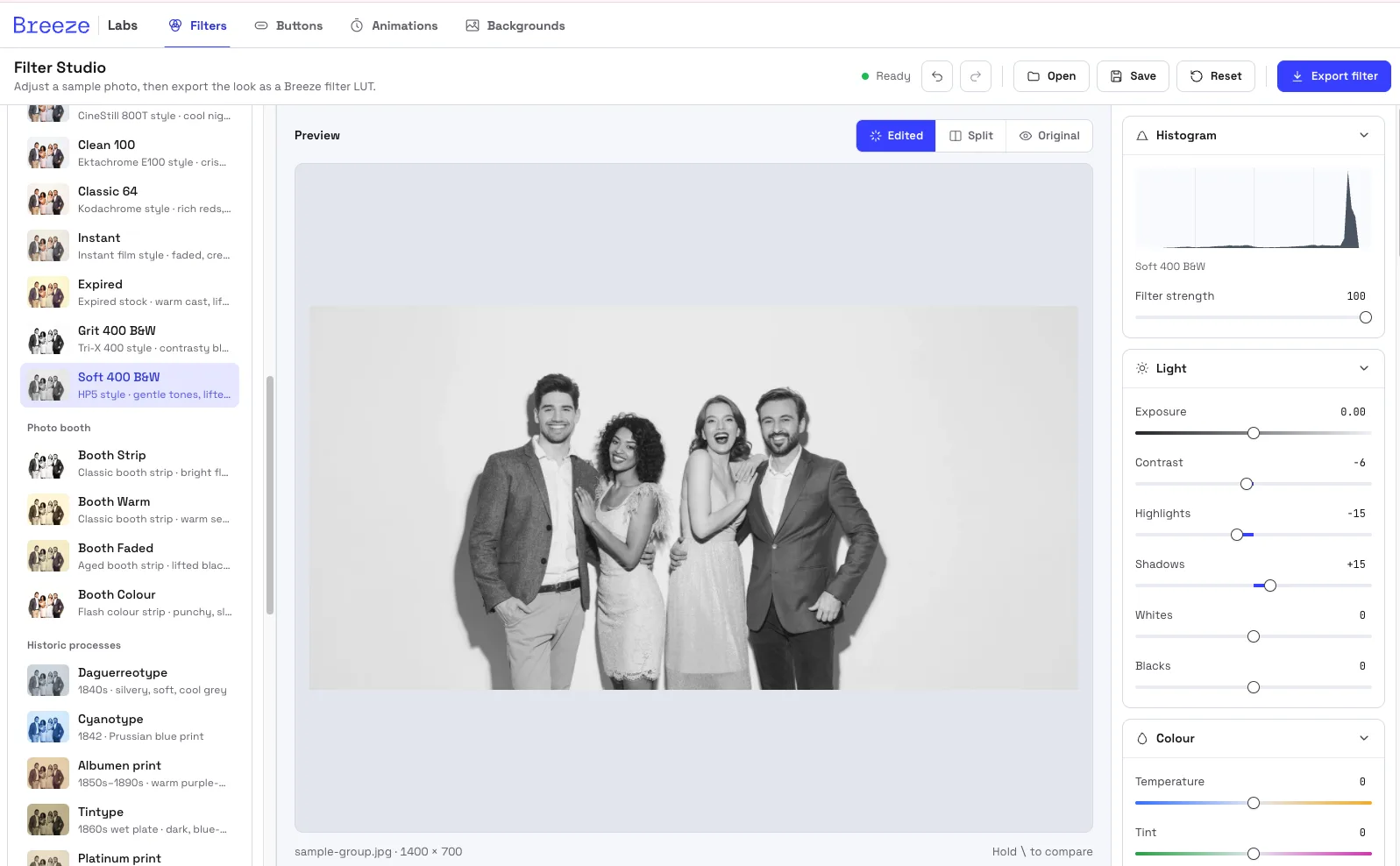
In Remote Pro. Design every guest-facing screen with your own artwork, from attract loop to share screen, and add HTML widgets for surveys, games and quizzes.
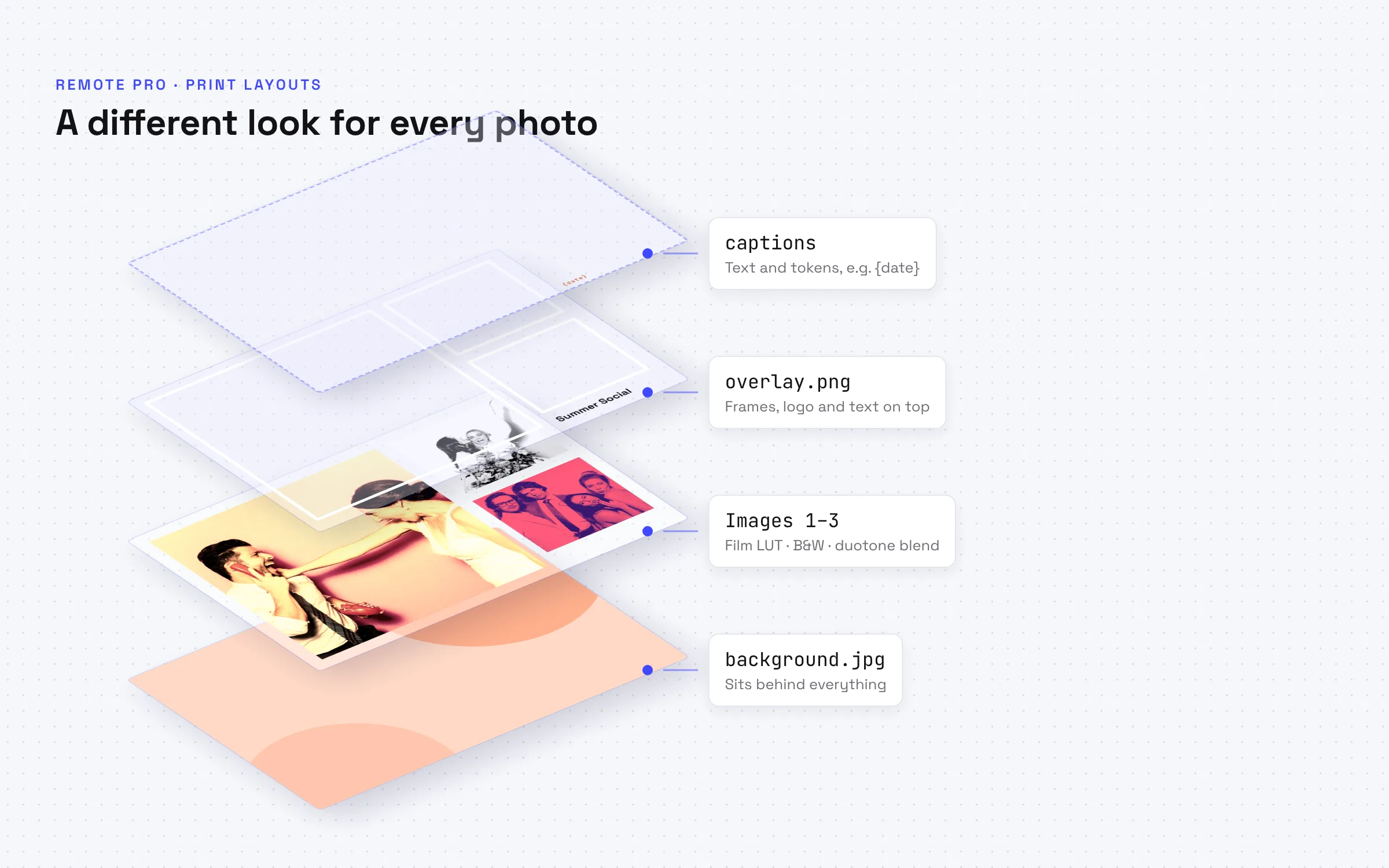
Read the Touch screen designer guideIn Remote Pro. Lay out strips, postcards and multi-image prints with overlays, backgrounds, text and a different effect on every photo.
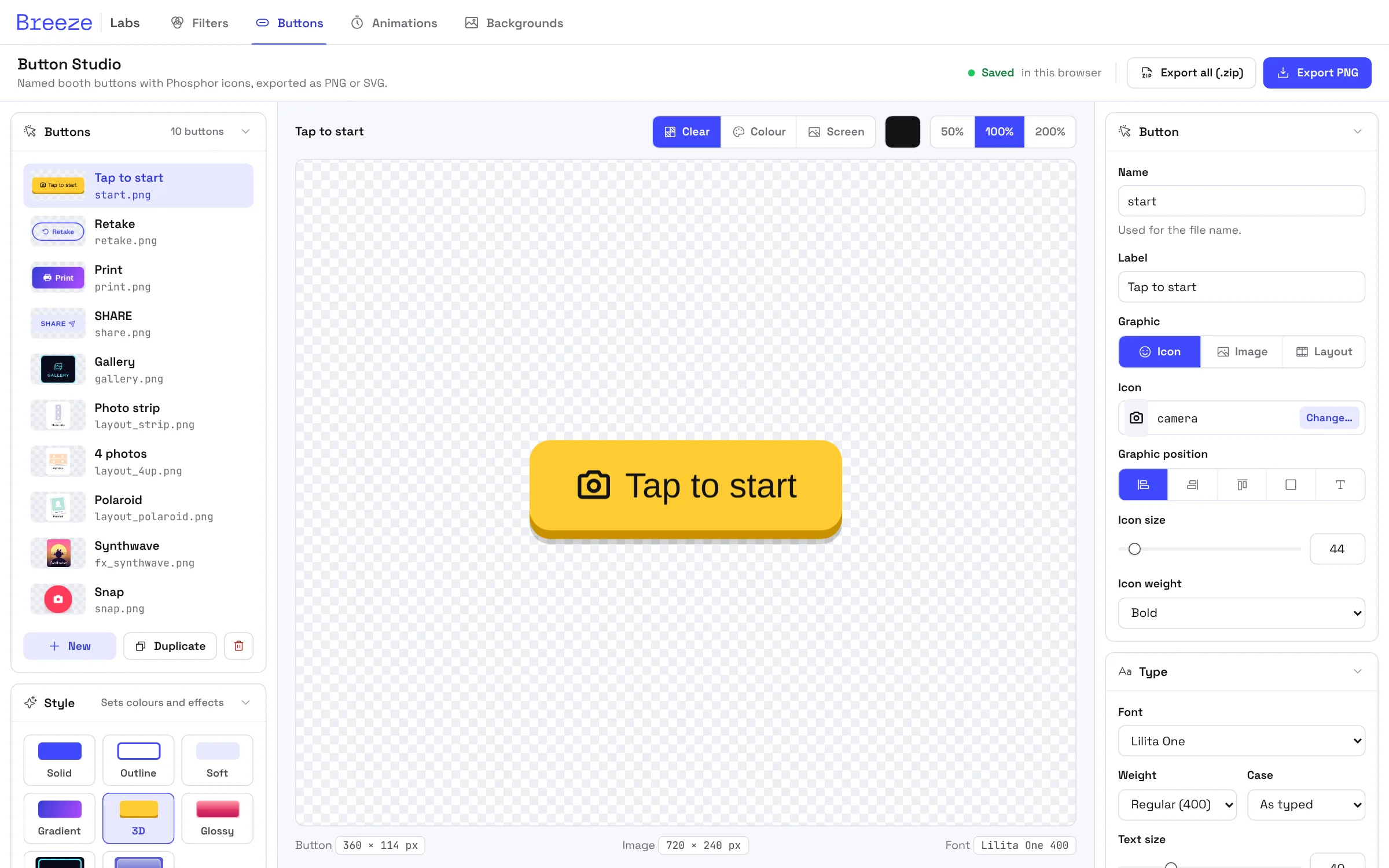
Read the Print layout editor guideIn Breeze Labs. Design named booth buttons with icons, fonts and styles, then export them as PNG or SVG.
Read the Button Studio guideIn Breeze Labs. Make countdowns, loaders and progress bars as GIFs, sized for your Remote Pro screens.
Read the Animation Studio guideIn Breeze Labs. Make full-screen backgrounds from colours, gradients, patterns or your own image, exported at your screen's exact size.
Read the Background Studio guideIn Breeze Labs. Start from a film or photo booth preset, adjust light and colour, then export it as a filter.
Read the Filter Studio guidePrints, strips, GIFs, video, AI and projection, all made with Remote Pro.


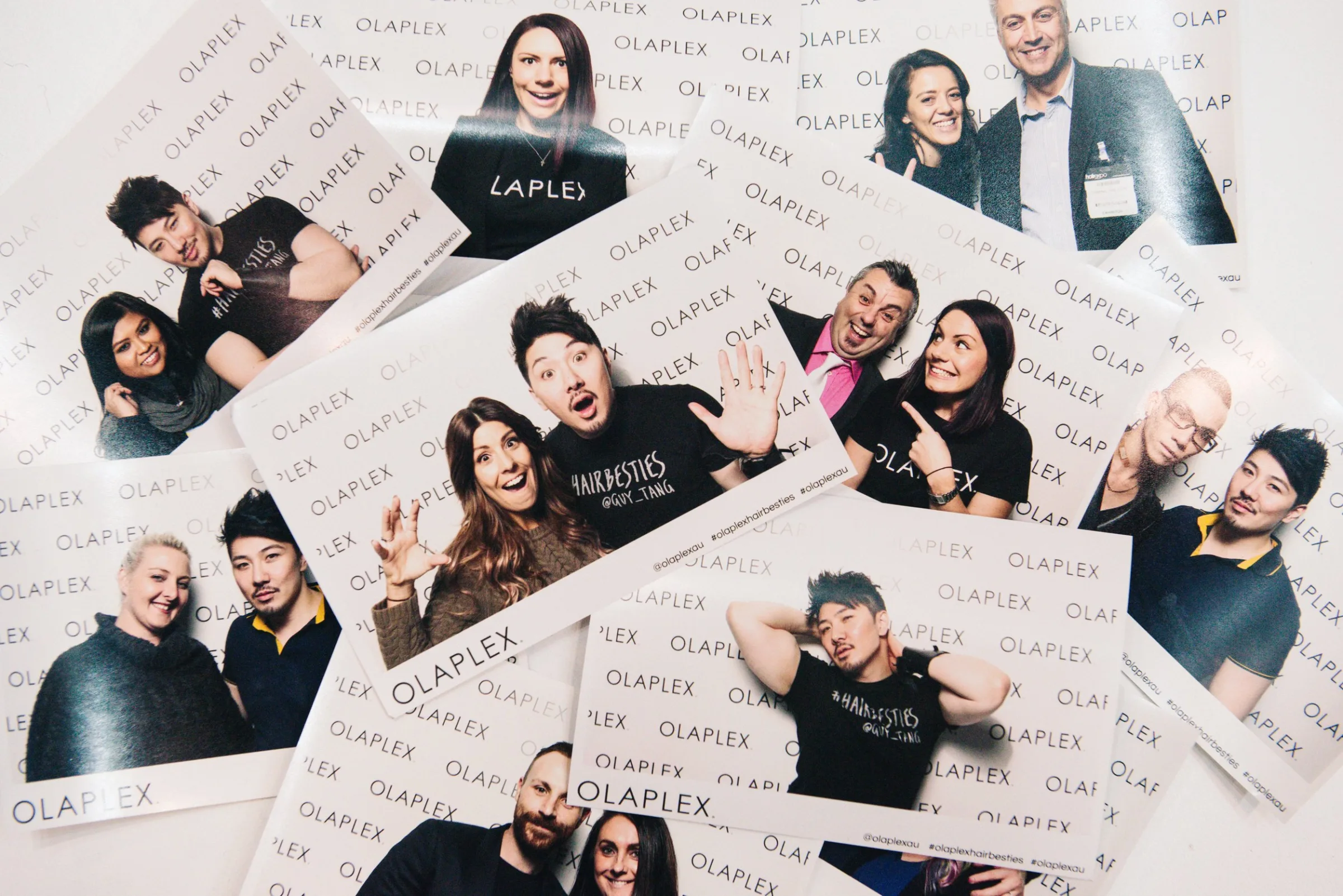
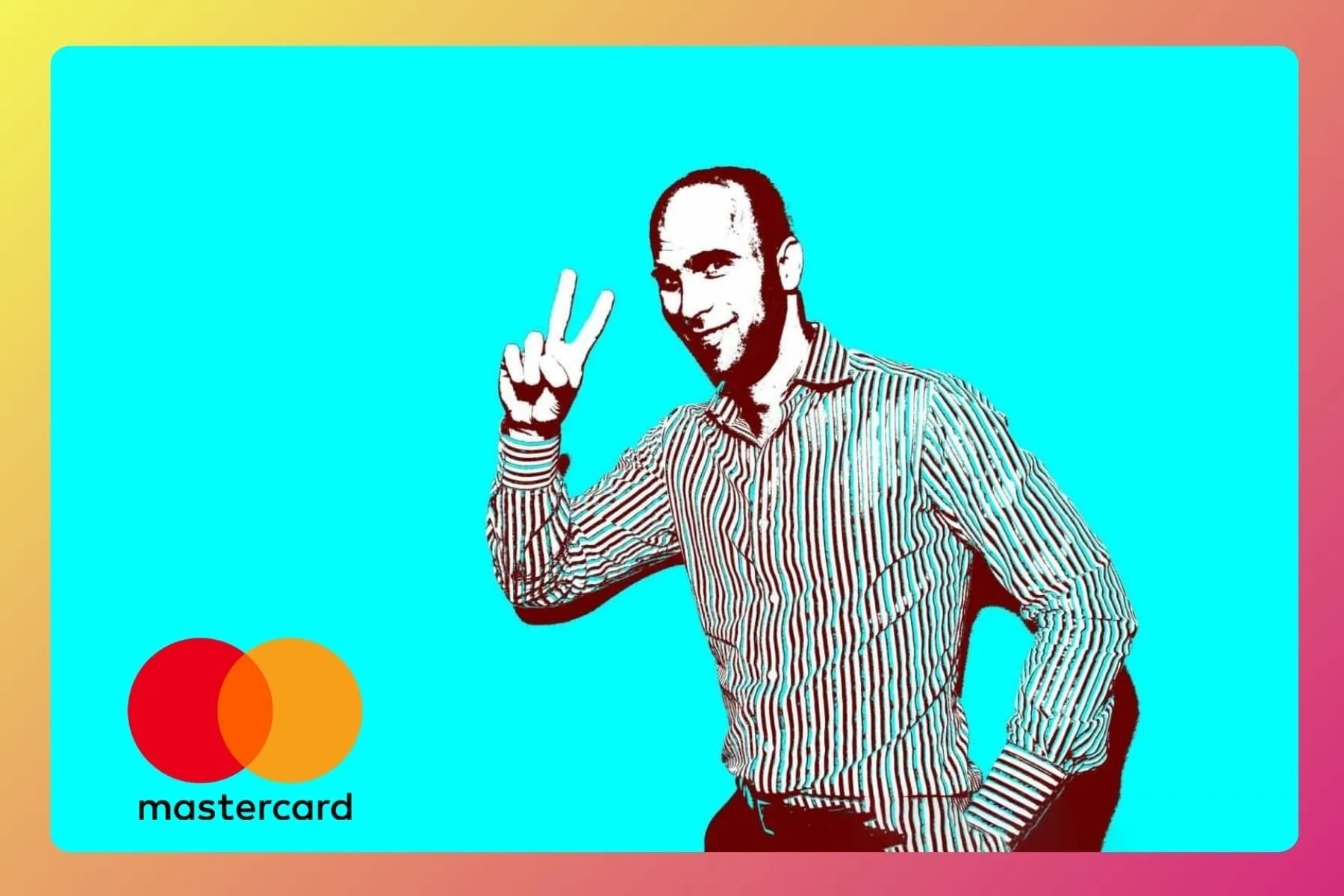




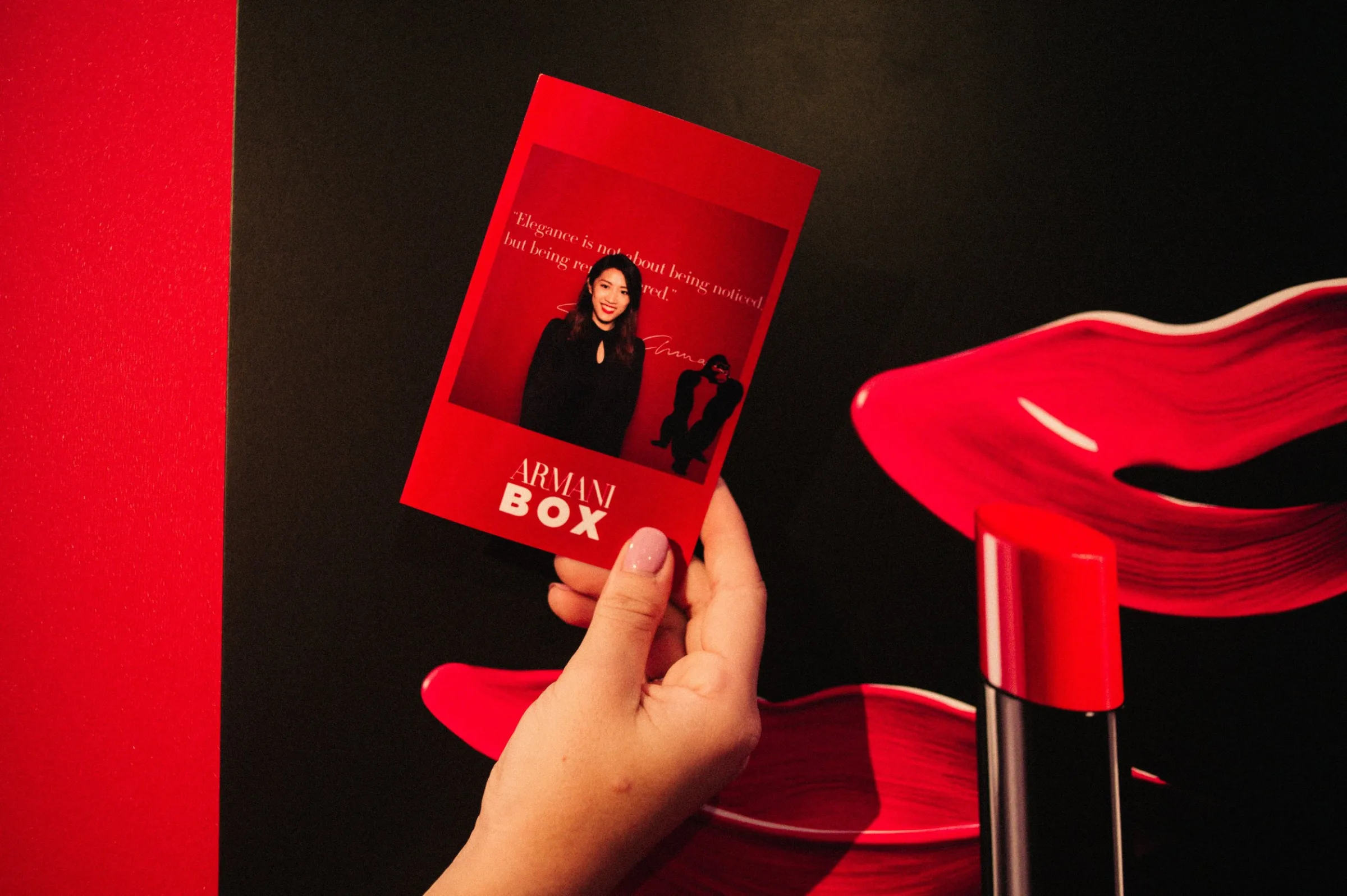




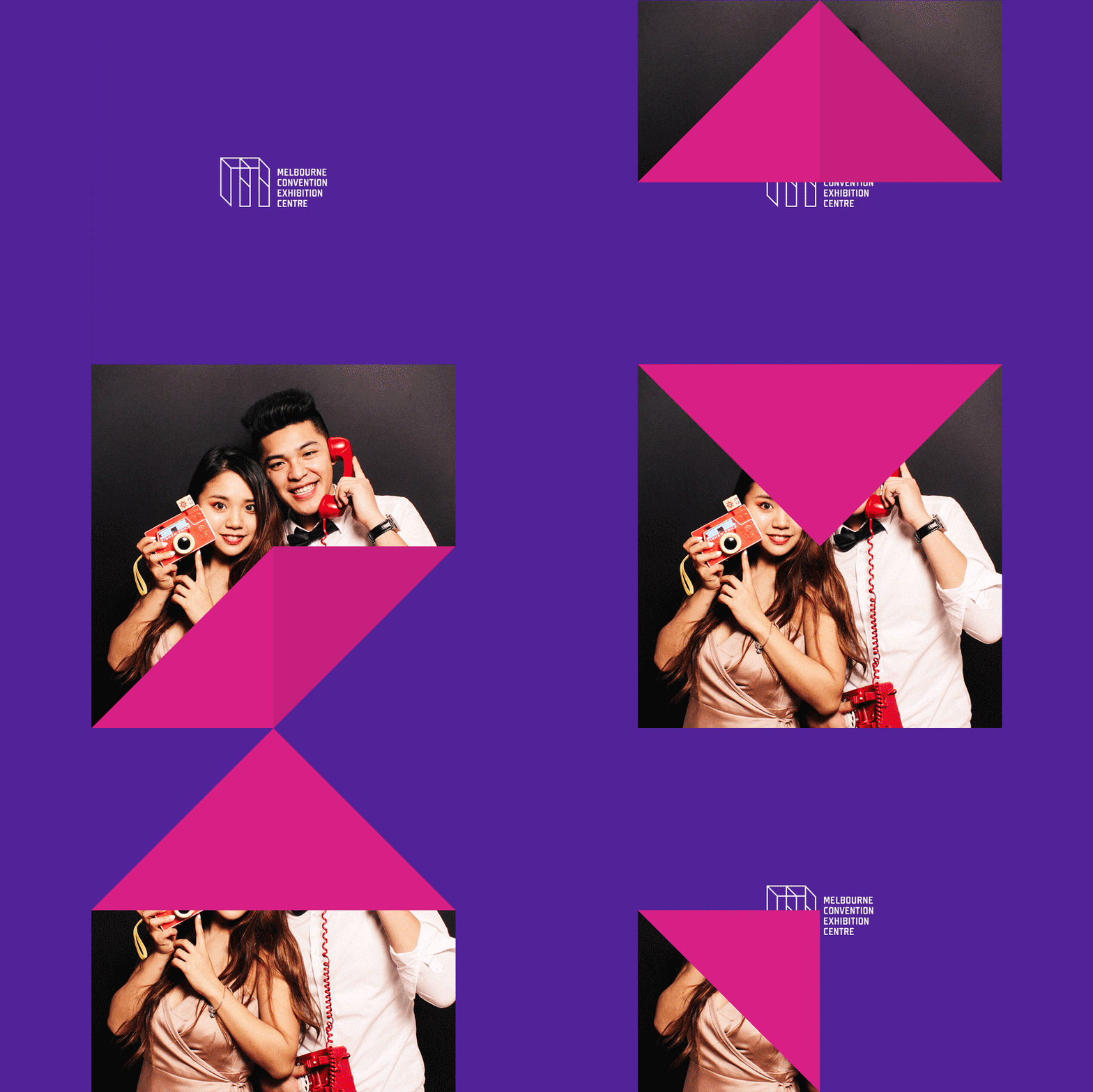
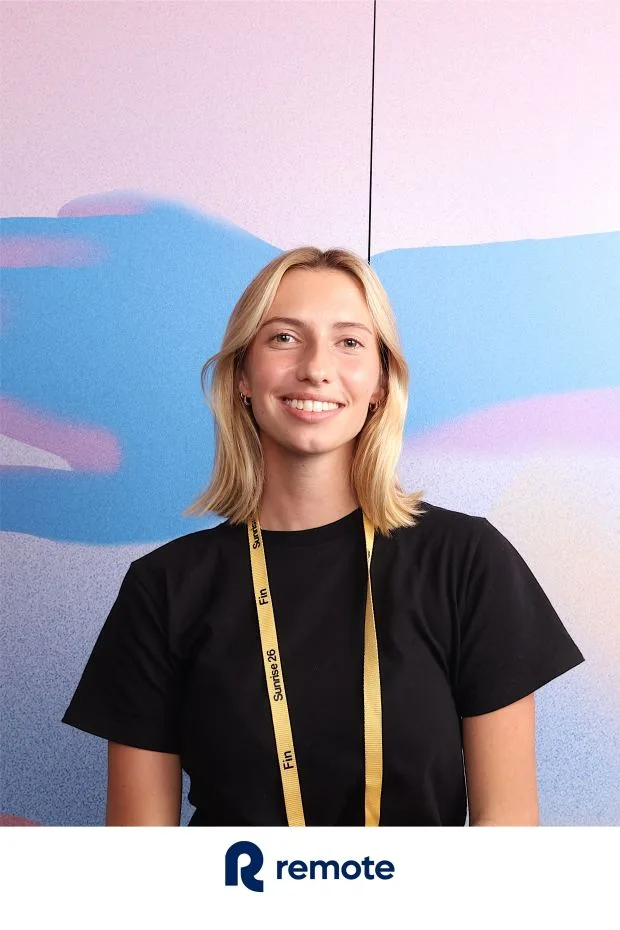





Remote Pro runs pay-per-use booths and unattended kiosks around the world, for operators with 100+ installs and those with a handful of booths. Guests can pay to start a session, unlock the booth, buy extra prints or pay for email and SMS sharing. Licences are one-off, so growing a fleet stays simple.
Remote Pro can run fully offline with no personal data or images sent to any third party, including us. Data is stored locally with encrypted contact details, or connect to Breeze Cloud for galleries and sharing.
For creative professionals who want flexibility and reliability.
Buy once and own it, with 12 months of updates included.
$349USD per licence
$199USD per upgrade
Try it free. Every feature works; output is watermarked until you buy a licence and register it. Download
65 features, all included with every Remote Pro licence. Type what you need or filter by area.
65 features
No match. Try another word, or ask us.
175 guides and 40 video tutorials in the Remote Pro user guide, always up to date with the latest version.
 Getting Started Getting Started
 Getting Started Setup Wizard
 Getting Started Event Template
 Getting Started Profiles
 Photo Booth Settings Photo Booth Settings
 Photo Booth Settings Capture
Download Remote Pro and run your first test event today.